Website Change Detection Dataset: 24 Before-and-After Tests
Direct Answer
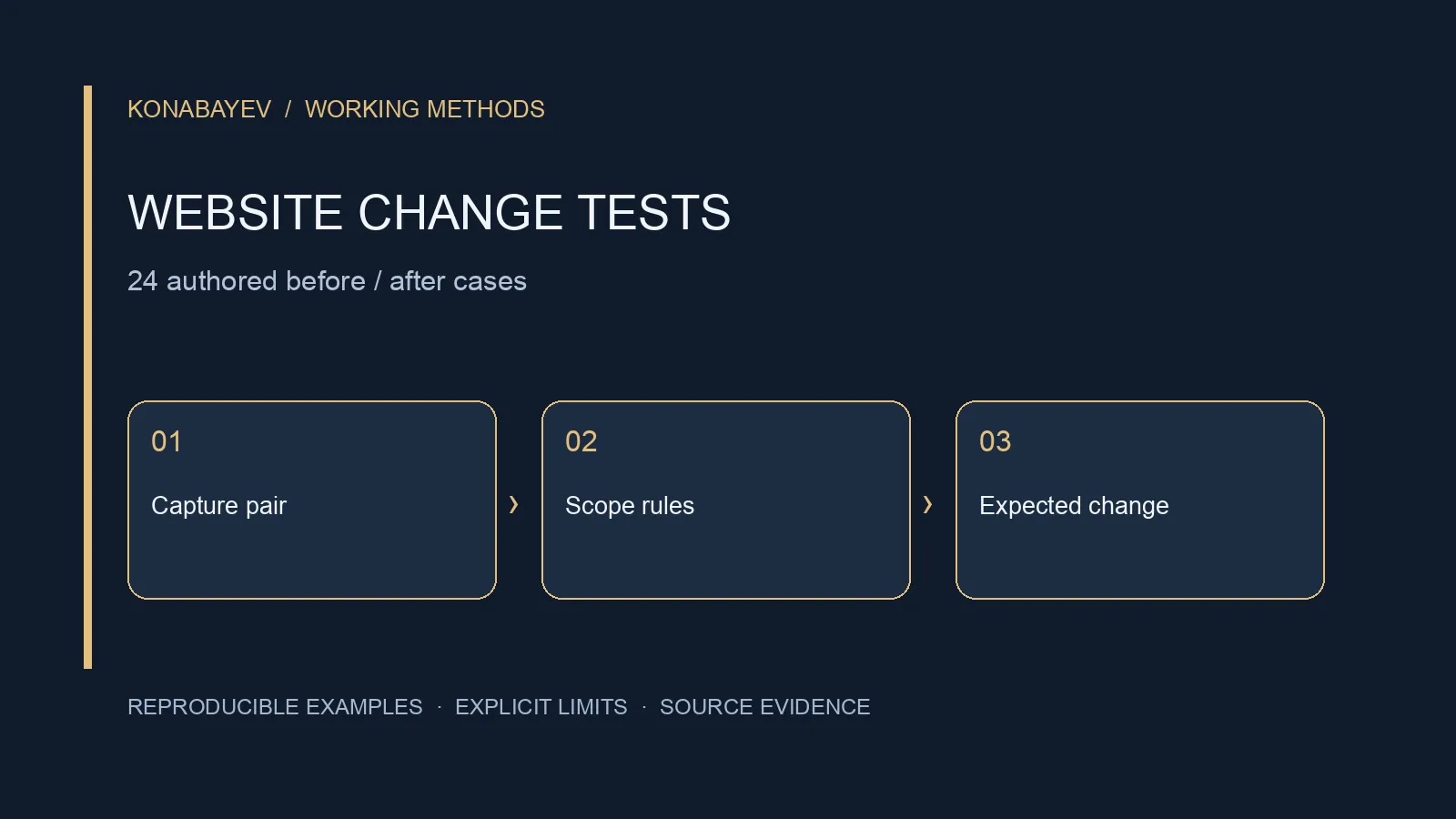
This website change detection dataset contains 24 original before-and-after HTML pairs with authored expected labels. It tests a selected-region text policy: which changes should alert, which noise should be ignored, and which observations are too incomplete to classify.
The labels are changed, unchanged, unavailable and ambiguous. They are expectations written by the author, not outputs measured from monitoring services. No product has been benchmarked, and no alert-delivery speed or accuracy claim is established.
Download: complete JSON, CSV, JSONL, and canonical generator and comparison function.
| Release field | Scope |
|---|---|
| Version | 1.0.0; downloadable source released alongside the data |
| Inputs | 24 authored synthetic cases; no representative sample |
| Results | Expected labels only; no vendor performance measured |
| Comparator | Exact pass, mismatch or missing; diagnosis is manual |
Download and use these files locally for your own acceptance tests, and cite the dataset and version. No open redistribution license is asserted for this fixture release. Keep the versioned source download with the generated files when reproducing this release. Before running it, compare the downloaded file’s SHA-256 with reproduction.source_sha256 in the version 1.0.0 JSON dataset. For example, shasum -a 256 generator.mjs prints the local file hash on macOS. Stop if the hashes differ, and retain the matching source and dataset together.
Choose What “Changed” Means
The test contract monitors normalized text inside one #watch element. It does not monitor every byte, visual layout, asset, link destination or product-price field on a page.
Version 1 decodes HTML character references and collapses whitespace. It preserves case, accents, punctuation and text order. It ignores comments, hidden descendants, elements explicitly marked data-ignore, and content outside the selector. Wrapper elements and attributes do not affect the expected text.
Consequently, changing a class alone is unchanged. Changing a link destination while keeping its label is also unchanged. Those are deliberate scope limits, not evidence that destination changes are unimportant. A security or link-audit workflow should use a different contract that compares those attributes.
Selecting the signal before choosing the software avoids an impossible requirement such as “alert only on meaningful changes” without defining meaningful. Your policy should state what is selected, normalized, ignored, compared and considered an invalid observation.
The 24 Test Pairs
The cases cover both alert noise and missed-change risks. Each expected result includes the normalized before and after text where that text is available.
| Cases | Purpose | Expected outcome |
|---|---|---|
| CHANGE-001 to 004 | Identity, whitespace and equivalent entities | unchanged |
| CHANGE-005 to 010 | Outside content, wrappers, classes, comments and ignored timestamps | unchanged |
| CHANGE-011 to 017 | Amount, status, negation, case, punctuation, accents and order | changed |
| CHANGE-018 to 019 | Destination-only change and hidden draft | unchanged under text-only scope |
| CHANGE-020 | Selector disappears | unavailable |
| CHANGE-021 | Selector matches two regions | ambiguous |
| CHANGE-022 to 023 | Explicit rendering sentinel or simulated HTTP 403 | unavailable |
| CHANGE-024 | Successful selected region becomes empty | changed |
The authored amount “20” becoming “25” is a string-change fixture, not a captured vendor price. It contains no currency, billing period, discount or tax interpretation. Detecting that a number changed is not enough to infer that two offers are commercially comparable.
Keep Failure Separate from No Change
A failed observation must not quietly become a reassuring unchanged result. CHANGE-020 removes the selector. CHANGE-023 supplies a simulated 403 response. In both cases, the after-text is null, meaning an acceptable observation is unavailable.
CHANGE-021 deliberately repeats id="watch". Check document.querySelectorAll(selector).length === 1 before selecting a region. A bare querySelector silently picks the first match and would miss this ambiguity. Zero matches is unavailable; multiple matches is ambiguous.
CHANGE-024 is different. The simulated request succeeds and the selector uniquely identifies an empty region. Its after-text is the empty string, and the expected label is changed. Converting both null and "" to the same default value would erase that distinction.
The rendering marker is synthetic. A data-render-required="true" attribute explicitly tells this fixture contract that the observation is not ready. It is not a heuristic that detects every JavaScript application or every loading indicator on a real website.
In a production monitor, keep the last valid baseline when observation fails, show a collection error separately, and make the recovery policy explicit. This article does not create scheduled jobs or notification subscriptions. It supplies cases for reviewing a system you operate.
Methodology and Related Monitoring Software
A text extractor and its normalization policy jointly determine the change signal. MDN’s textContent documentation explains why raw DOM text differs from styled innerText: raw text can include script and style content, while the alternative considers styling.
Our policy is explicitly neither a screenshot comparison nor an unfiltered DOM dump. The fixtures contain no external stylesheets and execute no JavaScript. Hidden attributes and explicit ignore markers are handled by our declared rules, not by an assumed browser rendering result.
The changedetection.io project documentation describes targeting page elements with CSS selectors or XPath and using filters such as ignored text and removed selectors. That is relevant operational context. It does not mean we tested its implementation against these 24 cases, verified its marketing claims, or established identical normalization behavior.
This dataset contributes portable, inspectable expectations for a narrow contract. The project documentation describes a broader monitoring product. Neither the presence of a feature nor agreement with a small fixture set establishes that alerts are correct on your actual targets.
Reproduce the Dataset
The published generator uses Node.js’s standard library and no network calls. Download the version 1.0.0 source linked above and save it as generator.mjs. With Node.js 22 or later, run the following commands; no repository access or package installation is required:
node ./generator.mjs --out ./fixture-data
node ./generator.mjs --out ./fixture-data --check
That check compares local files with this source contract. To verify the published downloads instead, put all nine dataset files in a separate ./downloaded folder and run node ./generator.mjs --out ./downloaded --check. Expect “Verified 9 files”; this checks published byte parity, not a monitor’s production reliability.
The first command generates the three related acceptance corpora. The second verifies that the local outputs match the authored source exactly. The generator does not fetch pages, run a browser or operate a monitoring service.
Use JSON for the complete contract, including rules, provenance, version and data dictionary. JSONL and CSV contain the same 24 case records. The CSV’s nested input, expected and rule_ids fields are JSON strings inside quoted cells; parse the CSV before decoding them.
Retain the downloaded version 1.0.0 source with your test report; do not substitute a later release when reproducing it. A stable fixture ID makes a failing case easy to reference, but an ID alone is not a version. If the normalization policy changes, record a new dataset version and explain which labels changed.
Test a Monitor Without Claiming a Benchmark
An adapter should expose what the monitor actually observed and decided. Save the raw observation separately from the normalized text. Map it to the dataset’s decision, before_text and after_text fields, then submit { fixture_id, actual } records to the exported compareResults function.
The comparison reports missing cases rather than excluding them from the denominator. Duplicate and unknown fixture IDs reject the run. Preserve error responses and ambiguous selector outcomes instead of manually choosing the region that produces the expected answer.
Review alert-producing failures separately from collection failures. If the monitor ignores “not” in “Shipping not included,” inspect the normalizer. If it treats a 403 as a changed price, inspect acquisition-state handling. If it flags a footer edit outside #watch, inspect selection scope.
For related implementation decisions, use the website crawling test guide, article extraction guide and data asset publishing workflow. These workflows address acquisition, text quality and publication, while this dataset isolates a before-and-after decision contract.
FAQ
Are the before-and-after pages real captures?
No. They are original synthetic HTML strings. The response codes and changes were authored to isolate specific decisions. They do not measure how frequently these conditions occur on live sites.
Can I use this for price monitoring?
It can test a text-change stage. A complete price workflow also needs currency, billing-period, eligibility and offer-identity rules, plus reliable acquisition. This release does not interpret price semantics or establish current vendor prices.
Does a perfect result prove that alerts are reliable?
No. It proves agreement with this small authored contract on the submitted cases. Add representative permitted targets, review expected outputs independently, and measure acquisition failures and delivery behavior separately. Do not translate fixture passes into a claimed production accuracy percentage.
Last checked: October 4, 2026. Authored rules and deterministic exports reviewed; MDN and the returned changedetection.io documentation read for methodology. No third-party monitoring performance was measured.
Web Scraping Automation
Apify scrapers, data extraction pipelines, and scheduled monitoring workflows.
View service detailsGoogle Preferred Sources
See more of my research in Google
Add Konabayev.com as a preferred source to find more fresh marketing and AI research in Google Search.
Have a relevant product or documented use case? View sponsorship formats and editorial requirements.