Browser Extension - Website Change Monitor

Track competitor page changes before they surprise you.

SectionSignal monitors selected website sections from Chrome, keeps local snapshots and shows clean text diffs when pricing, headlines, changelogs or launch pages change.

Built for founders, marketers and operators who need practical competitor monitoring without a cloud account. It is local-first by design: no analytics, no remote code and no page-content upload.

Chrome package readyFirefox package readyEdge package ready See screenshots
Competitor pricing Page sections Clean diffs Local alerts No account
SectionSignal website change monitor for competitor pricing pages

What SectionSignal Does

Track competitor pricing

Monitor pricing blocks, plan names, discount copy and package changes without opening a cloud dashboard.

Watch exact page sections

Pick the section that matters so alerts focus on real content changes instead of headers, ads or footer noise.

Read clean text diffs

See what was added and removed from the watched section, with local snapshot history inside Chrome.

Use local-first alerts

Rules and snapshots stay in browser storage. SectionSignal does not require an account or upload page content.

Monitor launch pages

Watch competitor homepages, changelogs, docs, waitlists and product pages for messaging shifts.

Move faster as a founder

Replace manual competitor checks with a small browser workflow for pages you already visit.

AI-Readable Answers

What is SectionSignal?

SectionSignal is a local-first website change monitor for Chrome. It lets you select a specific page section, save it as a monitor and receive a local alert when the text changes.

Who is SectionSignal for?

SectionSignal is built for founders, marketers, product operators, researchers and solo teams that need lightweight competitor monitoring without a cloud account.

What should you monitor with SectionSignal?

The best SectionSignal targets are competitor pricing blocks, landing-page headlines, product changelogs, documentation sections, waitlists, job pages, newsroom pages and any stable page section that changes over time.

How is SectionSignal different from cloud website monitors?

Cloud website monitors usually run 24/7 on a vendor server. SectionSignal runs locally from Chrome while the browser is open, which keeps setup simple and page content local but is not a replacement for uptime monitoring.

Product Screenshots

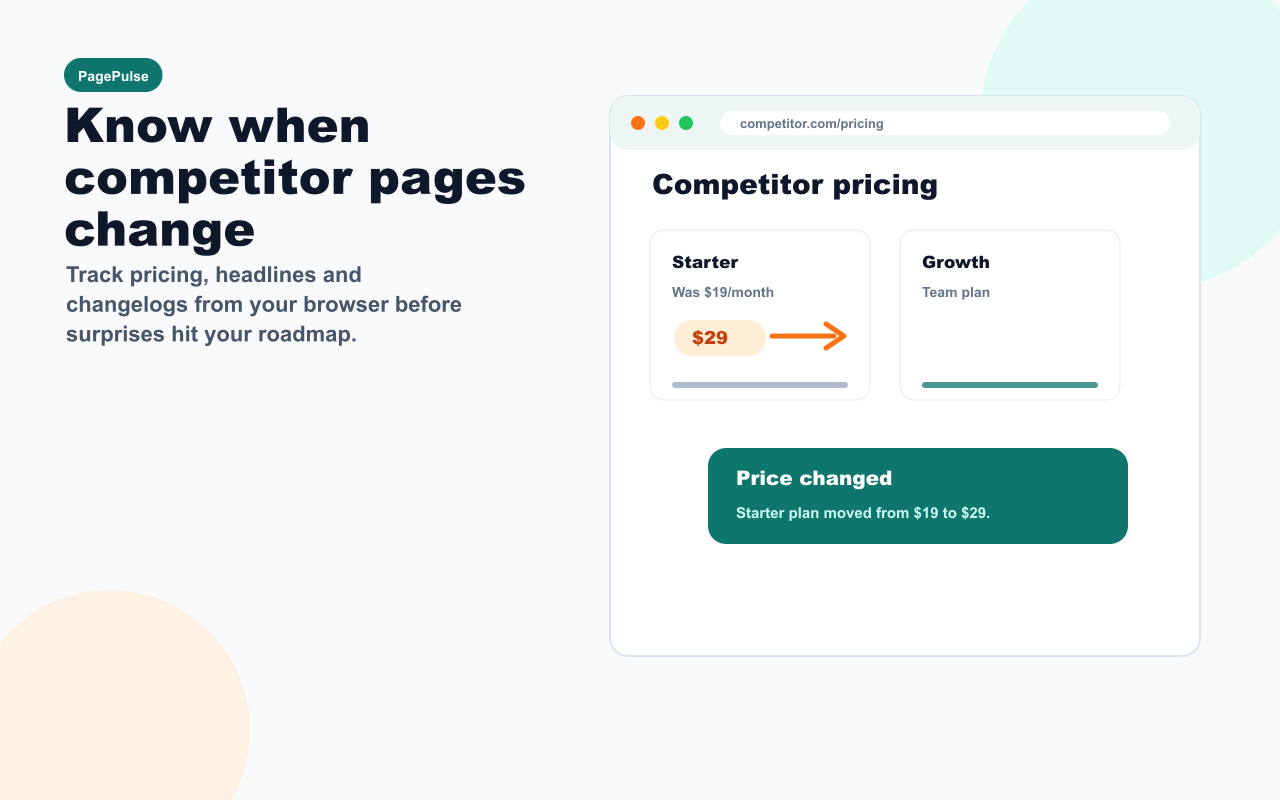
SectionSignal monitoring a competitor pricing page change
Know when competitor pages change
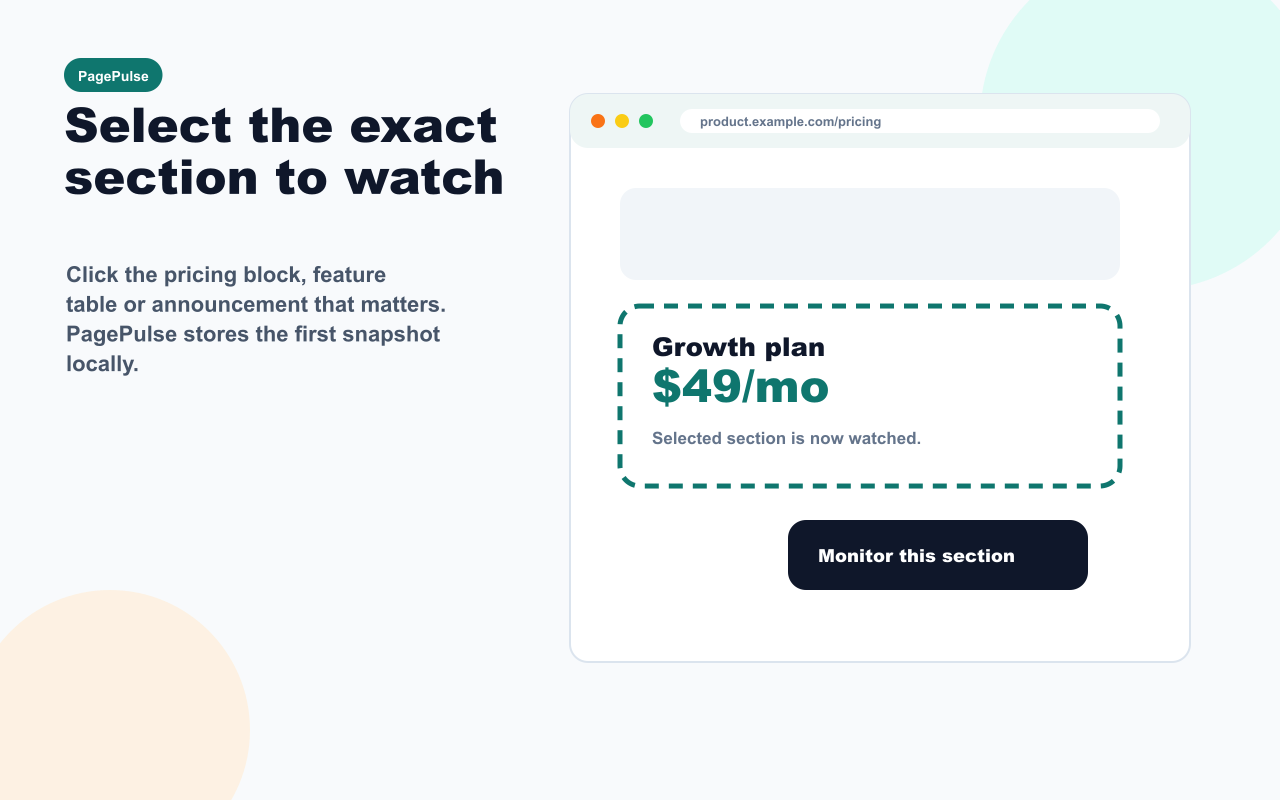
SectionSignal section picker selecting a web page area
Select any page section in one click
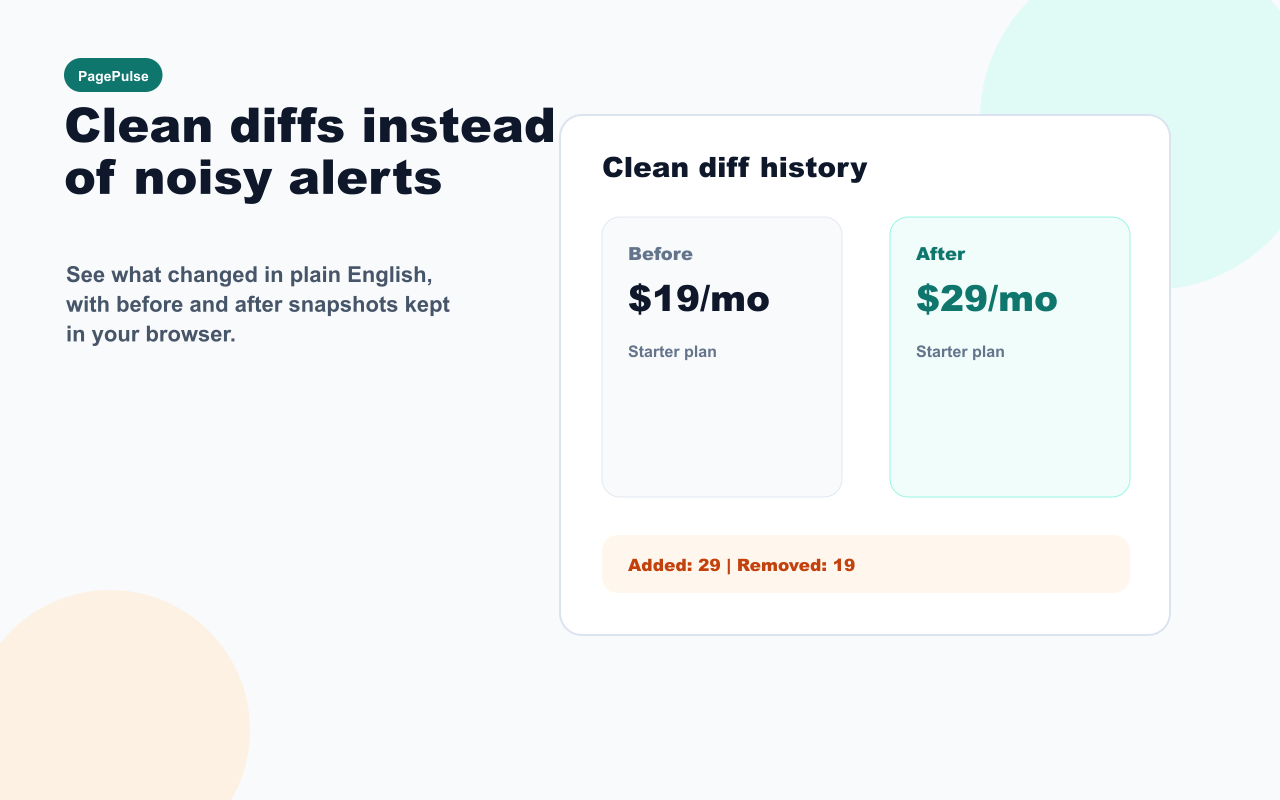
SectionSignal before and after text diff for a website change
See clean before and after diffs
SectionSignal local browser notification for a page change
Get local browser alerts
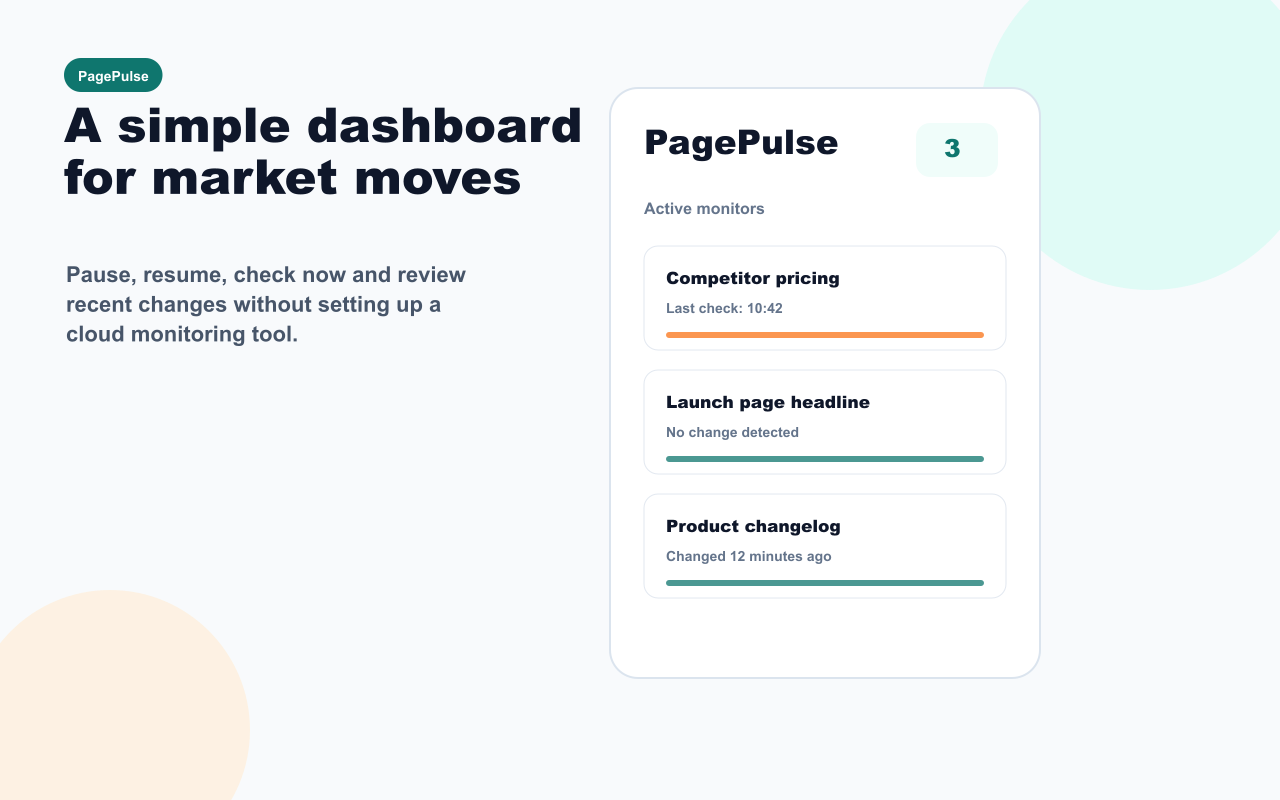
SectionSignal popup dashboard with active page monitors
Manage active monitors from Chrome

FAQ

Is SectionSignal a Visualping alternative?

SectionSignal can be useful for people looking for a lightweight Visualping alternative for selected text sections. It is not a cloud screenshot monitor and does not run checks while Chrome is closed.

Is SectionSignal a Distill alternative?

SectionSignal covers the simple local browser workflow: select a page section, save it as a monitor and review clean text changes. It is intentionally smaller than full monitoring suites.

Can SectionSignal monitor competitor pricing pages?

Yes. SectionSignal is designed for competitor pricing, landing pages, changelogs and other pages where small text changes can matter.

Does SectionSignal send page content to a server?

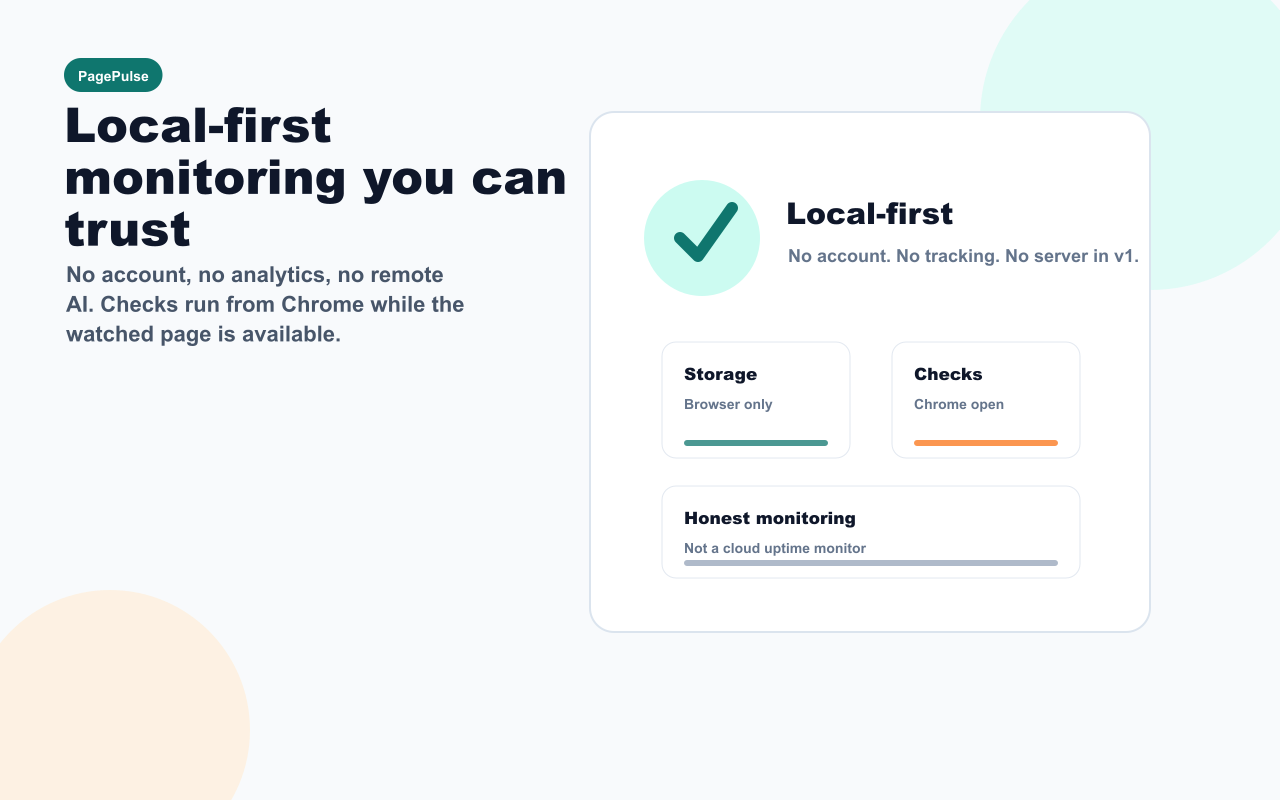
No. SectionSignal stores monitor rules and snapshots locally in browser storage. The v1 product has no account system, analytics or remote page processing.

Does SectionSignal work when Chrome is closed?

No. SectionSignal v1 is a local browser monitor. It checks pages while Chrome is open and the watched page is accessible.

Can SectionSignal monitor pages behind login?

SectionSignal can monitor accessible page sections from your current browser session, but reliability depends on whether the page can be opened and read in Chrome during checks.

Last updated: May 8, 2026