
BUILTWITH AND WAPPALYZER ALTERNATIVE API
Use a lean Apify API when
you already have the domain list
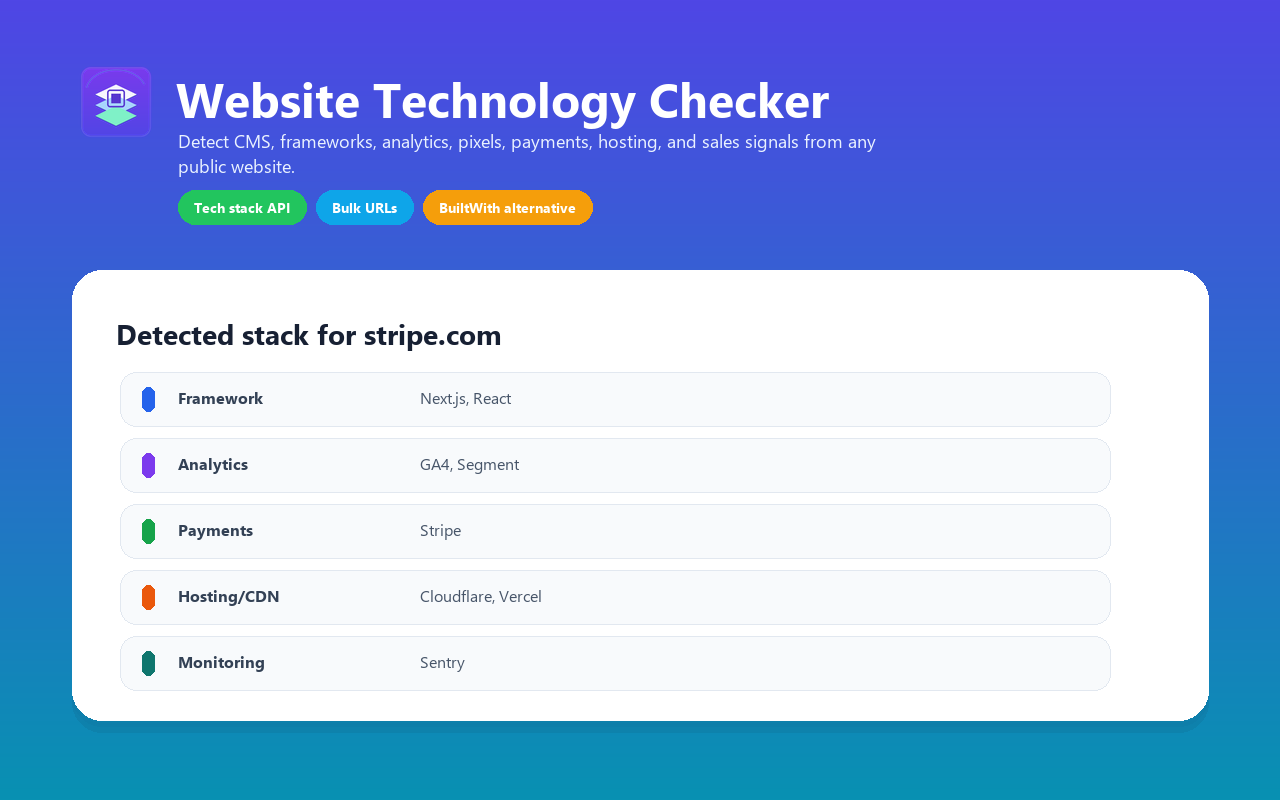
BuiltWith and Wappalyzer are stronger broad technographics platforms. Website Tech Stack Detector is the smaller pay-per-result route for live checks, CSV exports, Clay enrichment, and CRM routing from URLs you provide.
DIRECT ANSWER
When is this a good BuiltWith or Wappalyzer alternative?
Use Website Tech Stack Detector as a BuiltWith or Wappalyzer alternative when the job is bulk enrichment of a known URL list. It is not a full historical database. It is a usage-based Apify actor that returns common visible technology signals in workflow-friendly fields.
DECISION TABLE
Choose by workflow, not by keyword
Pricing references were checked on May 15, 2026 from the officialBuiltWith plans pageandWappalyzer pricing page. Re-check those pages before using exact competitor pricing in procurement material.
| Question | BuiltWith | Wappalyzer | Apify actor |
|---|---|---|---|
| Primary job | Broad technographics database and lead lists | Technology lookup, lead lists, API credits, alerts | Fresh live checks for your own URL list |
| Pricing shape | Monthly subscription plans | Monthly subscription plans plus API credits | Pay-per-result Apify actor run |
| Best use | Buying or filtering broad market lists | Ongoing technographic prospecting and alerts | Enriching domains you already have |
| Output fit | Enterprise reports and exports | Lead lists, lookups, enrichment, API | Apify dataset rows, JSON, CSV, webhooks, API |
| Trade-off | More coverage and history, higher monthly floor | More managed product surface, higher monthly floor | Lean scope: common visible technologies, no historical database |
OUTPUT MAPPING
What you get instead of a static report
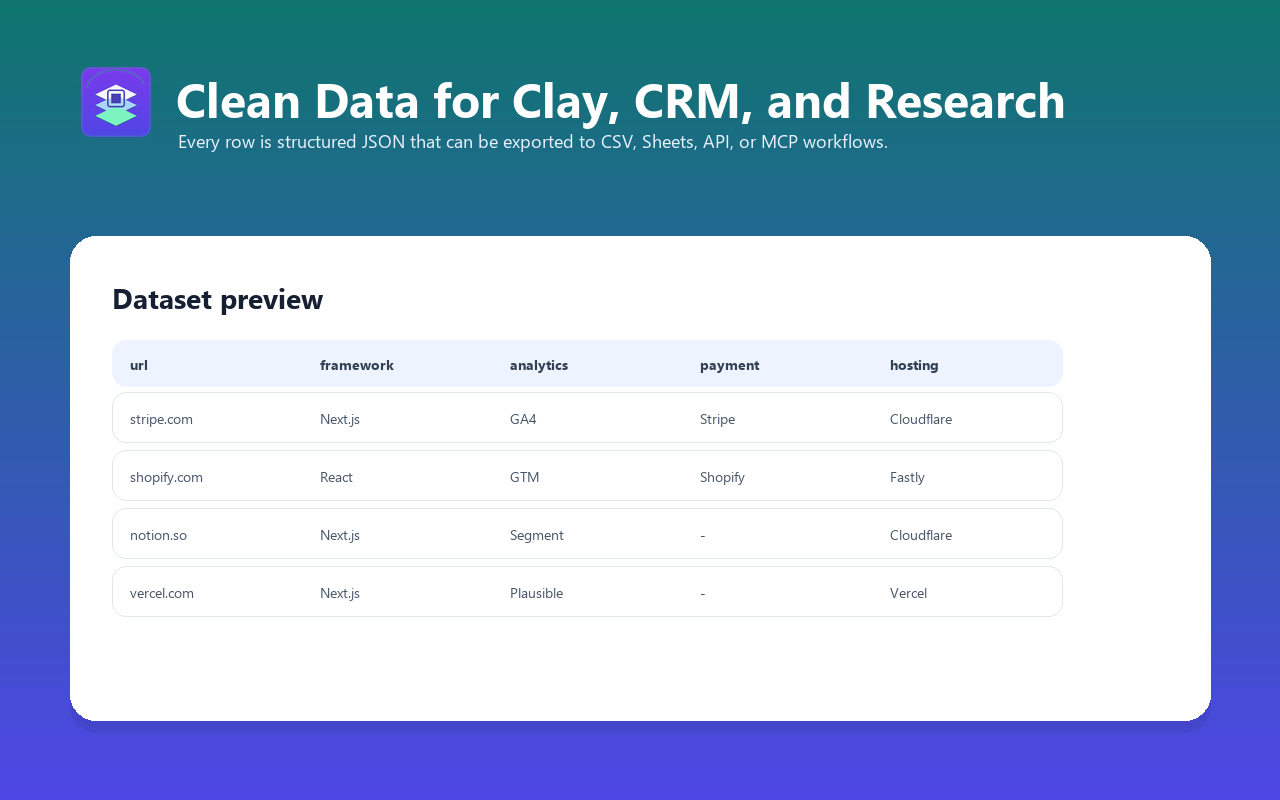
technologyNames
Technology names
Flat array for filters, joins, and spreadsheet columns
categories
Technology categories
CMS, ecommerce, framework, analytics, payment, CDN, CRM, chat, monitoring
signals
Account signals
Boolean fields such as isShopify, isWordPress, usesReact, usesNextJs, hasPaymentProvider
leadScore, leadSegments
Sales routing
CRM-ready score and tags for Clay, HubSpot, Salesforce, or custom outbound logic
technologies
Evidence and QA
Structured detections with category and evidence fields for manual validation
BEST FIT
Use cases where the Apify route makes sense
You already have the domains
If your list comes from Apollo, ads, a sitemap, a CRM export, a scraped directory, or a customer CSV, a live Apify check can be cheaper and cleaner than paying for a full technographics database.
You need workflow fields, not a dashboard
The actor returns dataset rows that can move directly into Clay, Google Sheets, Airtable, HubSpot, Salesforce, Make, n8n, Zapier, or a data warehouse.
You can accept visible-page limits
The actor does not claim to replace historical databases. It checks public HTML, headers, cookies, scripts, links, and metadata, so JavaScript-only or gated tools can be missed.
SAMPLE REQUEST
Start with a validation sample
{
  "urls": [
    "https://shopify.com",
    "https://stripe.com",
    "https://vercel.com"
  ],
  "maxConcurrency": 5,
  "timeout": 30
}
Check 20-100 representative domains first. If the fields match your routing logic, scale the same actor run to a larger list and export the dataset to CSV, JSON, Excel, webhook, or the Apify API.
NEXT STEP
Need Clay or CRM routing fields?
The companion workflow page shows how to turn technology detections into account segments, lead scores, and outbound routing logic.