
CLAY AND CRM ENRICHMENT
Turn domains into
routing fields your CRM can use
Use Website Tech Stack Detector to enrich company domains with visible technology signals, lead scores, and account segments for Clay, HubSpot, Salesforce, Airtable, outbound, and AI-agent workflows.
DIRECT ANSWER
What is website enrichment for Clay and CRM?
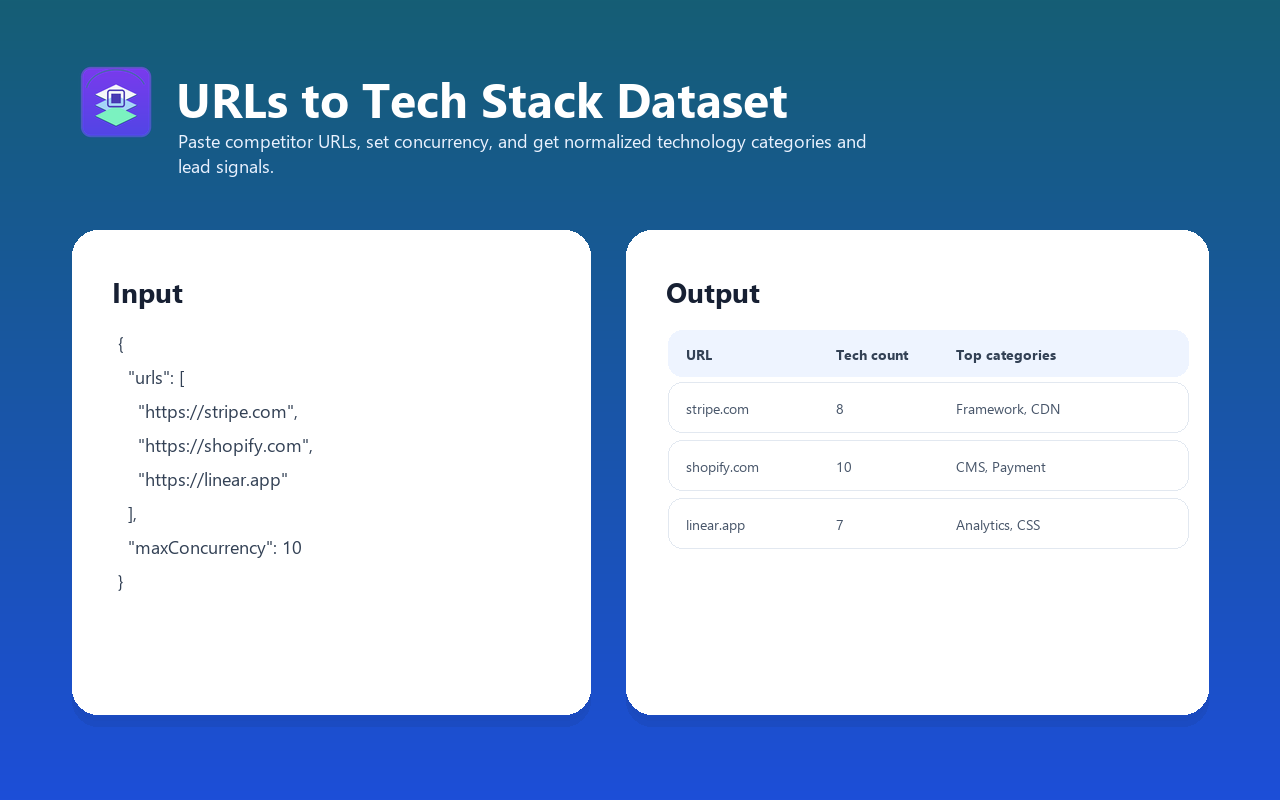
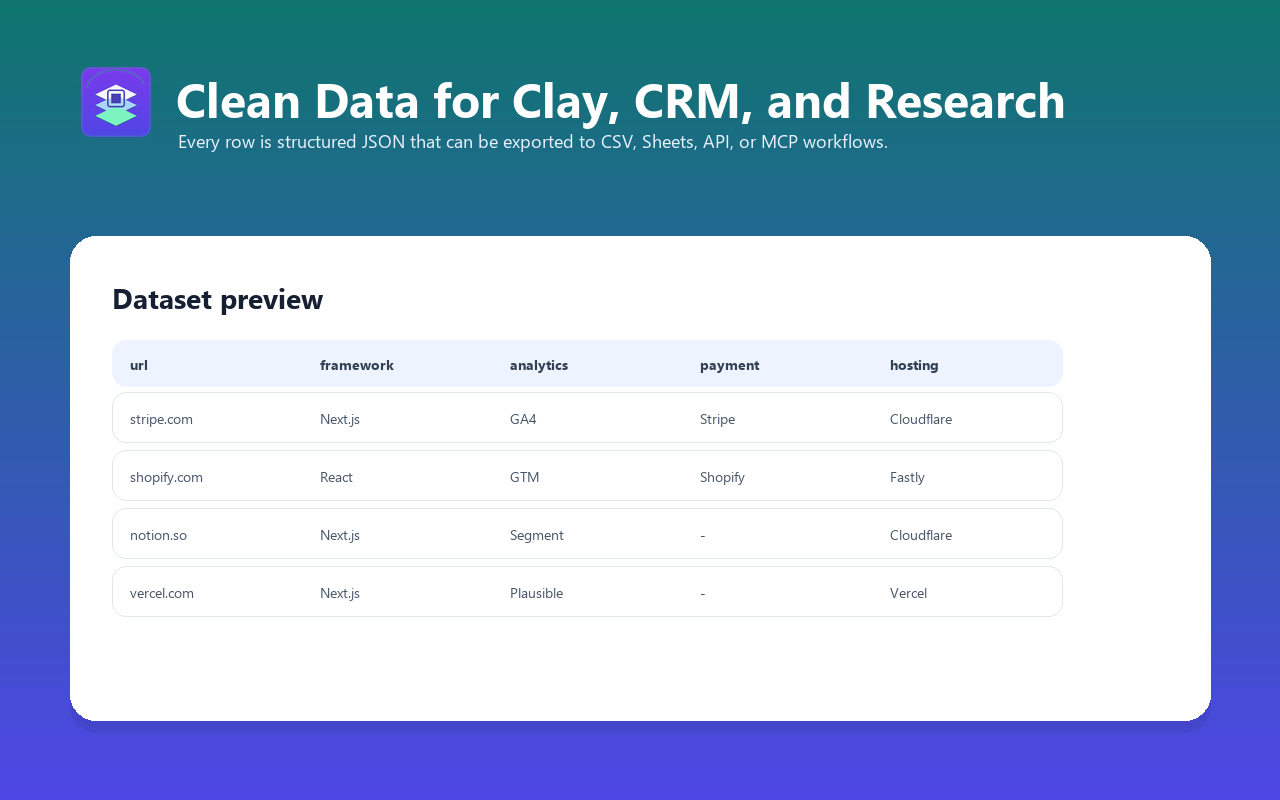
Website enrichment adds public technology signals to company records. Instead of only storing a domain, each account gets stack fields such as ecommerce platform, CMS, framework, analytics, pixels, payment provider, chat widget, CRM signals, lead score, and routing segments.
WORKFLOW
From domain list to routed accounts
01
Start with company domains
Use domains from Clay tables, Apollo exports, event lists, CRM accounts, partner directories, competitor customers, or scraped lead sources.
02
Run a small validation batch
Check 20-100 domains first and confirm that Shopify, WordPress, React, Next.js, analytics, payment, chat, CRM, and pixel signals match your routing needs.
03
Map fields into your CRM
Export technologyNames, categories, signals, leadScore, and leadSegments into Clay, HubSpot, Salesforce, Airtable, or a custom lead-scoring workflow.
04
Route offers by stack
Send Shopify accounts to ecommerce plays, WordPress sites to audit offers, React or Next.js companies to devtool messaging, and missing-signal accounts to cleanup campaigns.
CRM FIELD MAP
Fields to add to Clay, HubSpot, Salesforce, or Airtable
| Field | Use |
|---|---|
| technologyNames | Readable technology list for personalization and account research |
| categories | Grouped stack categories for filters and dashboards |
| signals.isShopify | Route ecommerce accounts into Shopify-specific workflows |
| signals.isWordPress | Identify WordPress sites for agency, security, SEO, or migration offers |
| signals.usesReact / usesNextJs | Find modern frontend stacks for devtools, hosting, monitoring, and technical sales |
| signals.hasPaymentProvider | Prioritize ecommerce or SaaS accounts with payment infrastructure |
| signals.hasMarketingPixel | Find paid-acquisition-ready accounts |
| leadScore | Sort accounts by visible commercial stack quality |
| leadSegments | Use tags such as shopify_store, paid_ads_ready, payments_detected, or security_headers_gap |
SEGMENT RECIPES
Example routing logic
Ecommerce growth list
isShopify OR hasPaymentProvider OR category contains Ecommerce
Send to ecommerce audit, retention, CRO, or ads offer.
Agency audit list
isWordPress OR isWebflow OR missing security headers
Send to website audit, performance cleanup, migration, or managed SEO offer.
Devtool prospect list
usesReact OR usesNextJs OR category contains Monitoring
Send to hosting, observability, QA, auth, or developer-product messaging.
Paid media readiness list
hasMarketingPixel OR hasAnalytics OR category contains Ads
Route to retargeting, attribution, and paid media consulting workflows.
SAMPLE INPUT
Start with the same domains you already have
{
  "urls": [
    "https://shopify.com",
    "https://stripe.com",
    "https://notion.so",
    "https://vercel.com"
  ],
  "maxConcurrency": 5,
  "timeout": 30
}
For CRM work, do not start with a 10,000-domain run. Validate a representative slice, check the columns, then schedule larger batches once the routing logic is right.
RELATED
Compare the API route before scaling
If you are choosing between a broad technographics subscription and a pay-per-result Apify workflow, start with the comparison page and a small actor run.