
Hide Google AI Overviews
Use the local cleaner to remove AI Overview blocks from Google Search pages when you want a cleaner results page.
Chrome Extension - Local Web Cleaner
Vanish is a local-first browser extension that hides Google AI Overviews, popups, cookie banners, sticky widgets, newsletter boxes, sidebars and other visual clutter with one click.
It is built for people who want cleaner webpages without sending browsing data to a remote service. Rules stay in your browser. No account, no analytics, no cloud.
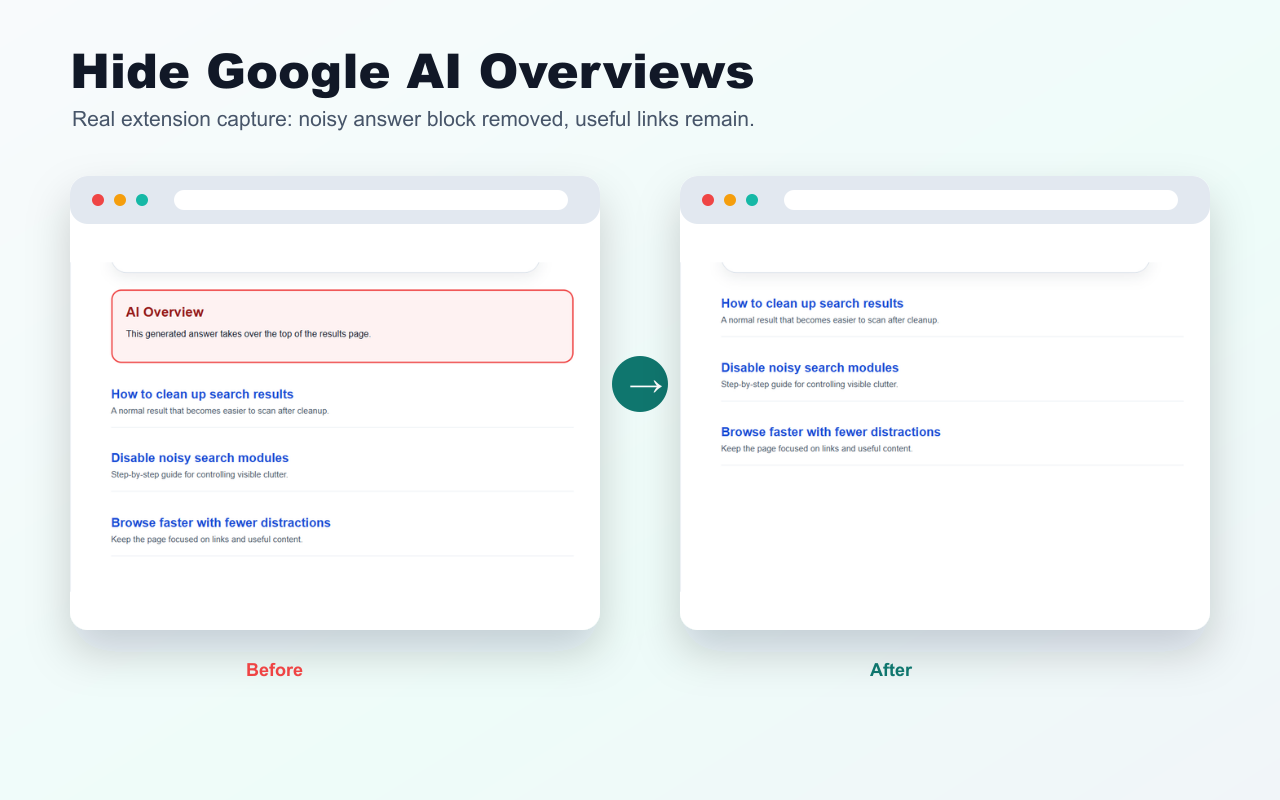
Use the local cleaner to remove AI Overview blocks from Google Search pages when you want a cleaner results page.
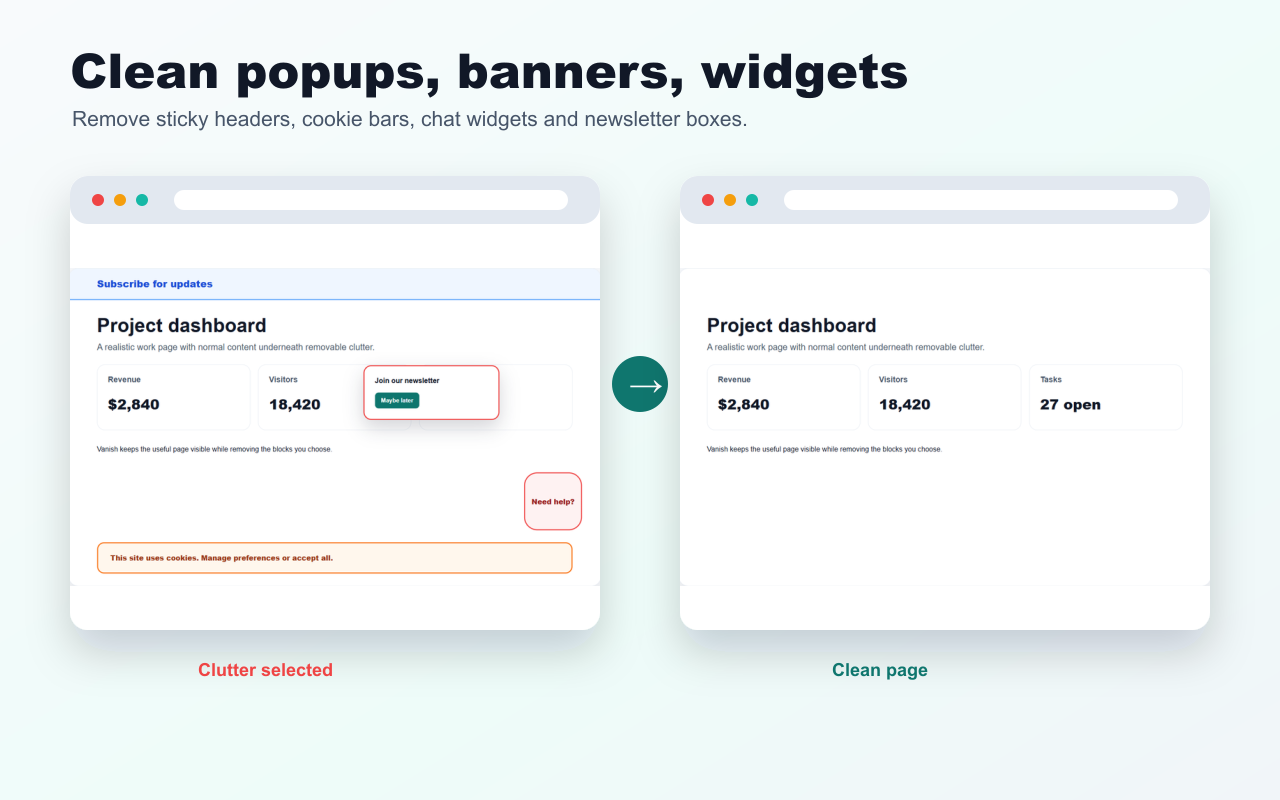
Pick a popup, sticky header, newsletter box, sidebar, banner or widget. Vanish saves the rule for that site.
Hidden elements are scoped to hostnames, so a rule made on one site does not unexpectedly affect another site.
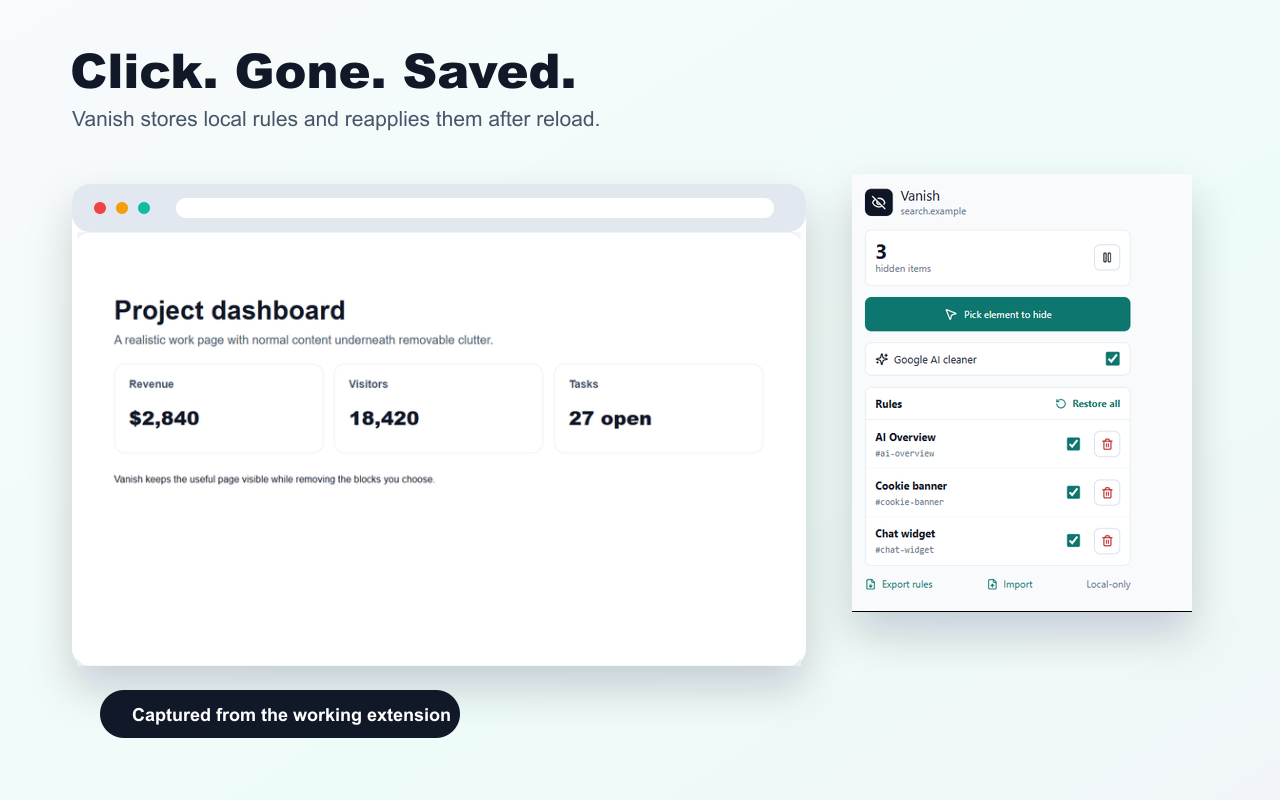
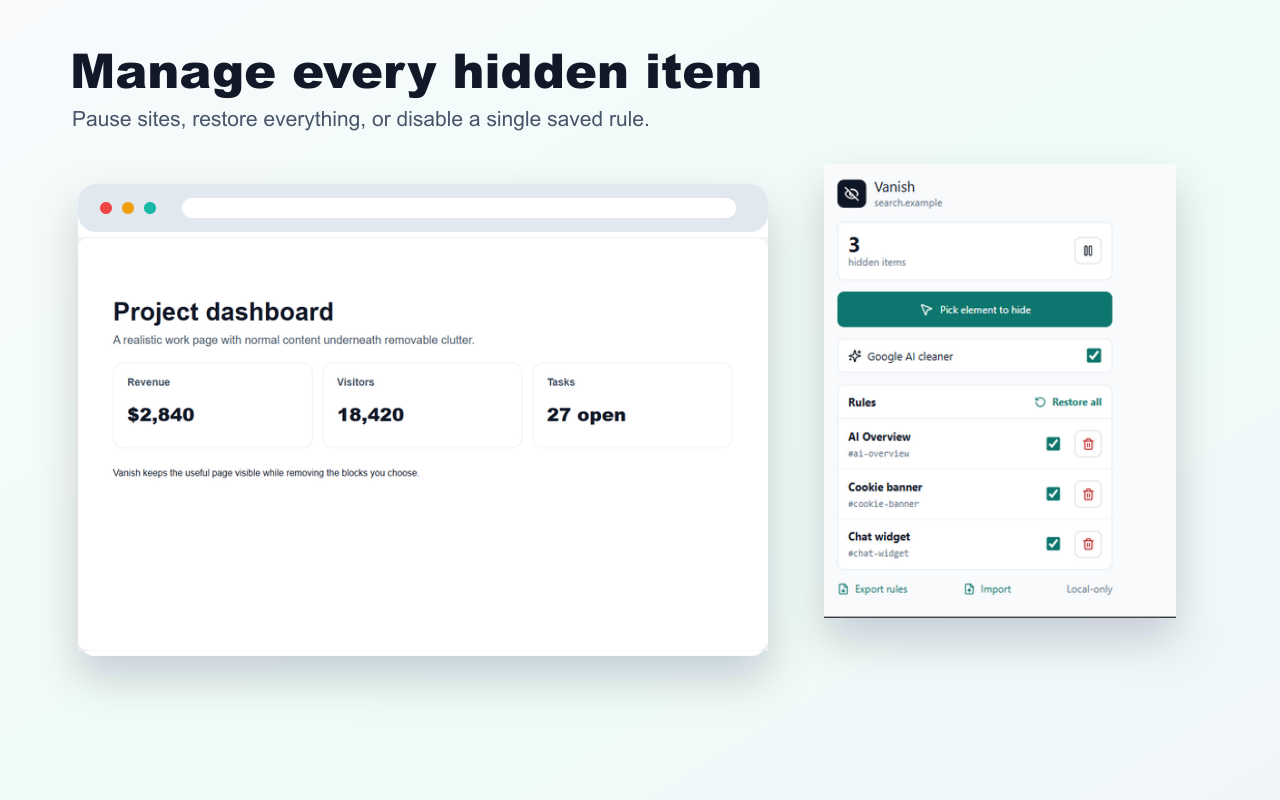
Pause Vanish on a site, restore all hidden elements, or disable individual rules when a page changes.
Export your local rules as JSON and bring them back later. No account or cloud sync required.
No account, no analytics, no external server. Rules and settings stay in chrome.storage.local.
Open the extension and start pick mode on the current page.
Choose the AI block, popup, widget, sidebar or banner you want gone.
Vanish saves a local per-site rule and reapplies it on future visits.
Vanish is published on Chrome Web Store, Firefox Add-ons and Microsoft Edge Add-ons. It is free to install and keeps cleanup rules local in your browser.
Vanish is a local-first browser extension for hiding Google AI Overviews and annoying webpage elements such as popups, cookie banners, sticky widgets, sidebars and newsletter boxes.
No. Vanish stores hidden-element rules and site settings locally in the browser. It does not use accounts, analytics, cloud sync or external network requests.
No. Vanish is not a universal ad blocker. It is a focused web cleaner for user-selected visible clutter and deterministic Google AI Overview cleanup.
Yes. You can restore all hidden elements on a site, pause Vanish on a site, or disable and delete individual rules in the rule manager.
Vanish is published on Chrome Web Store, Firefox Add-ons and Microsoft Edge Add-ons.
Last updated: May 16, 2026
More free browser extensions