
One-click QA form filling
Fill names, emails, phone numbers, addresses, companies, job titles, dates, numbers, textareas and selects with test data.
Browser Extension - QA Test Data Filler
FillForge helps QA engineers, developers and product teams test signup, checkout, onboarding and lead forms faster without typing the same fake data again and again.
It fills common fields in one click, supports locale profiles, keeps passwords off by default, preserves existing values unless you choose overwrite mode, and stores settings locally in your browser.
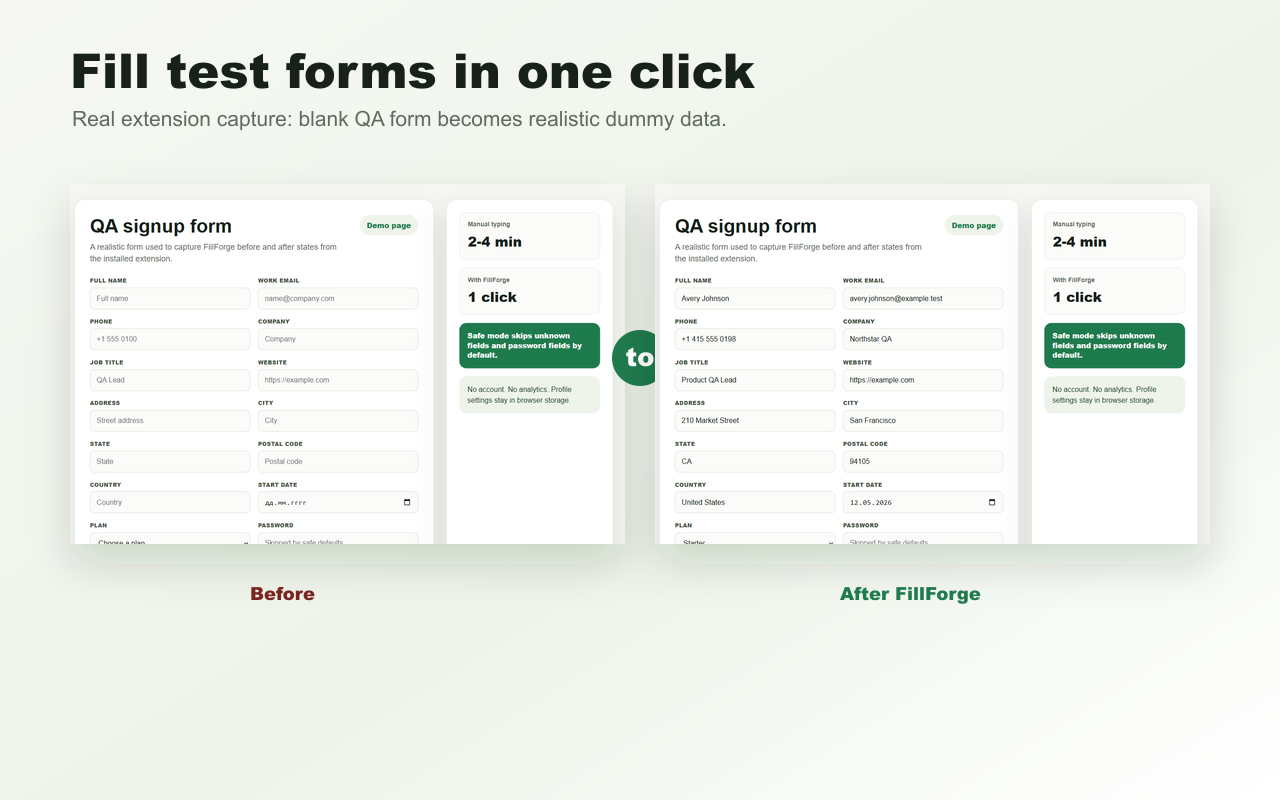
Fill names, emails, phone numbers, addresses, companies, job titles, dates, numbers, textareas and selects with test data.
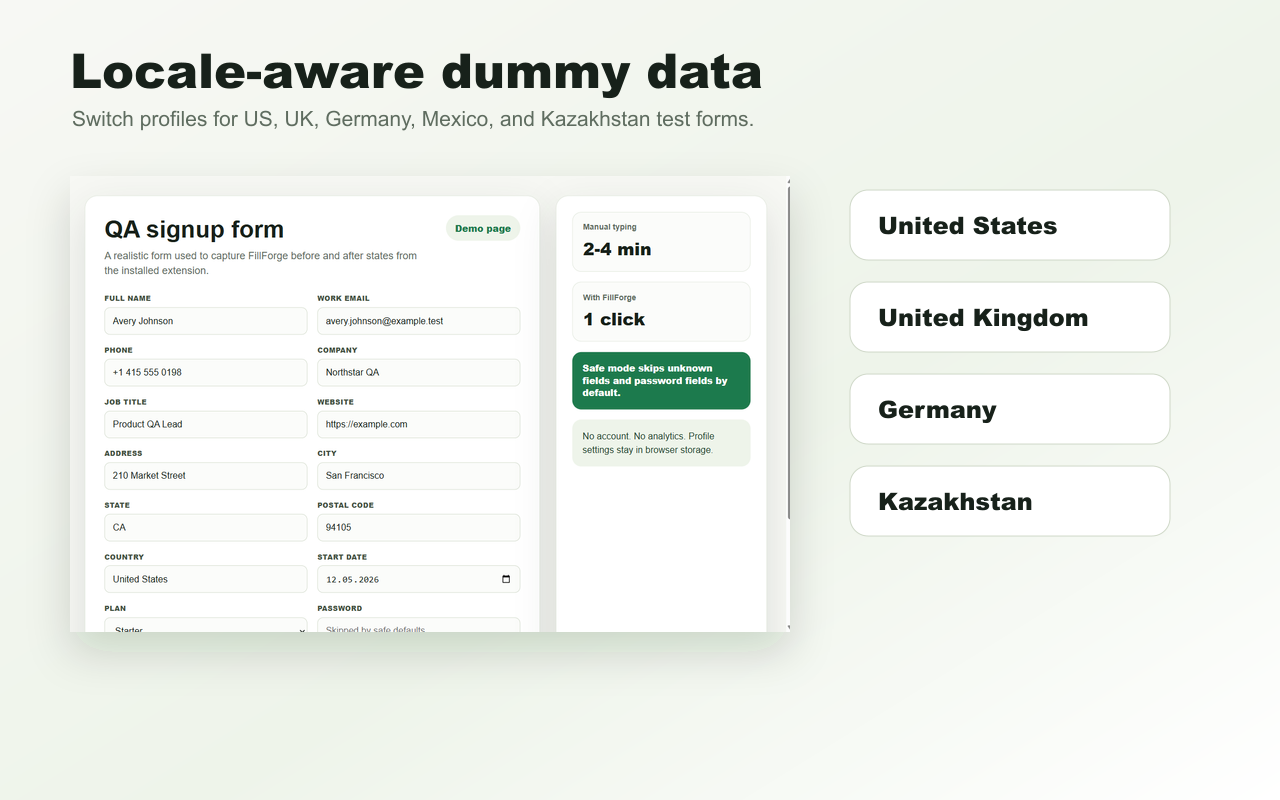
Switch between United States, United Kingdom, Germany, Mexico and Kazakhstan data profiles for more realistic QA passes.
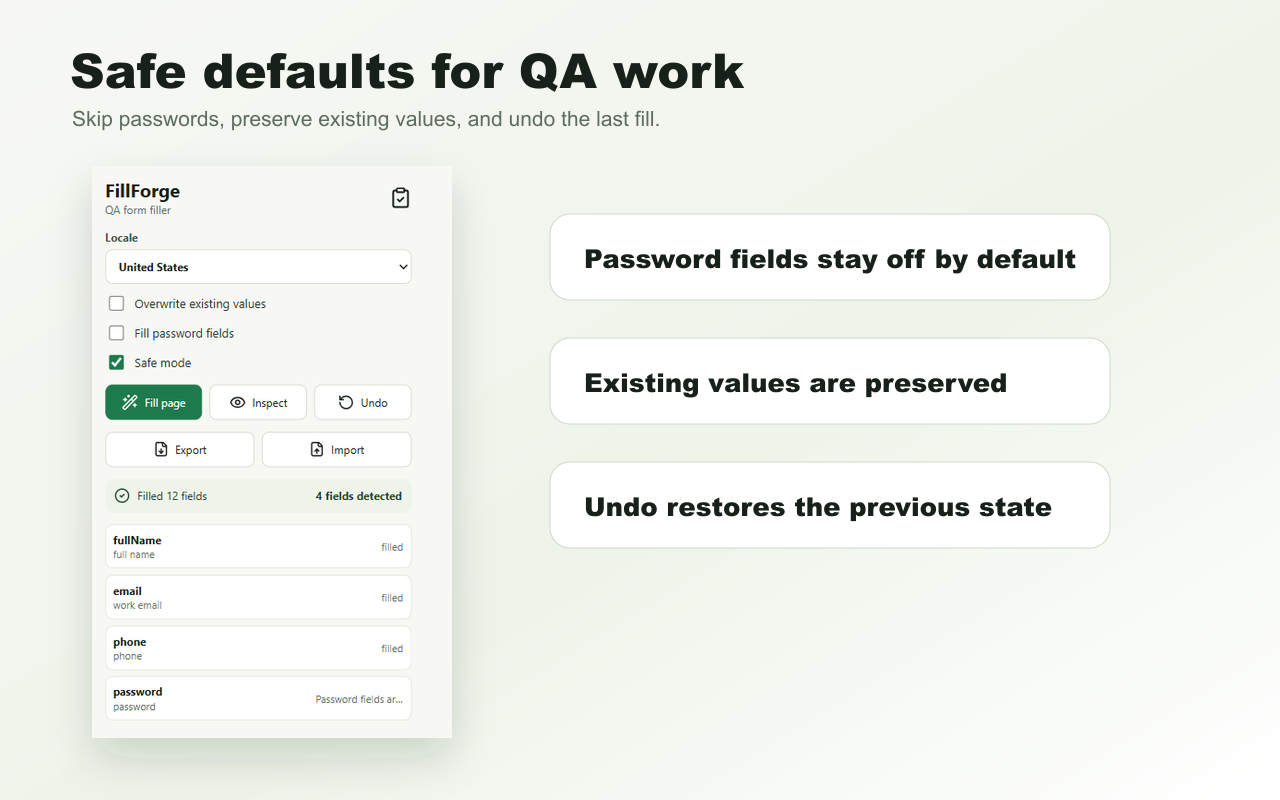
Unknown fields are skipped in safe mode, password fields stay off unless enabled, and existing values are preserved unless overwrite is on.
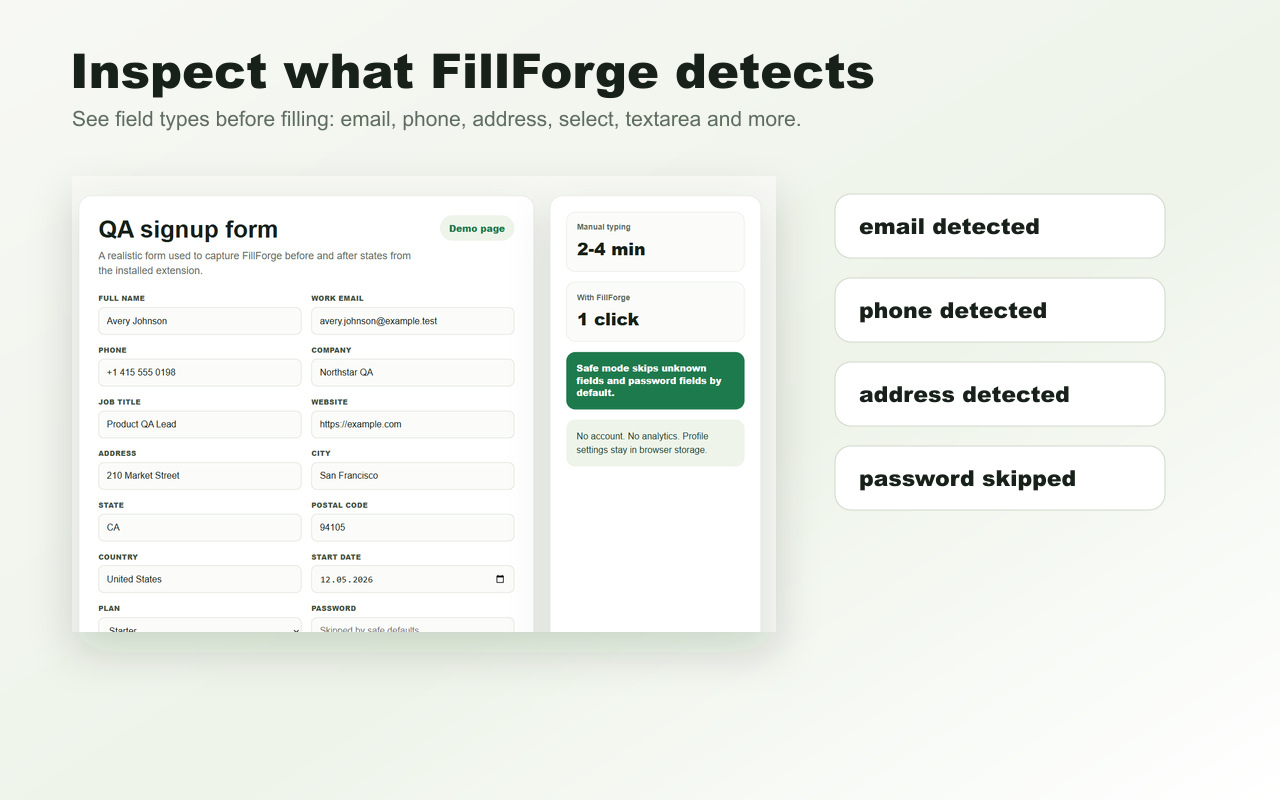
Scan a page to see what FillForge detected before changing form values.
Restore the previous field values after a test fill without reloading the page.
No account, no analytics, no remote AI and no form data sent to external servers.
FillForge is a browser extension for QA engineers, developers and product teams who need to fill web forms with realistic dummy test data during manual testing.
No. FillForge fills visible fields only when you click the extension. It does not submit forms, create accounts or automate checkout flows.
Password fields are off by default. You can enable password filling manually for QA-only test forms when needed.
No. FillForge is local-first. Profile settings stay in browser storage and form data is not sent to external servers.
FillForge is published on Firefox Add-ons and Microsoft Edge Add-ons. The Chrome Web Store link will be added after a real FillForge Chrome listing is public.
Last updated: May 15, 2026
More free browser extensions