CRM CSV Migration Checklist: Mapping, Duplicates and Sign-Off
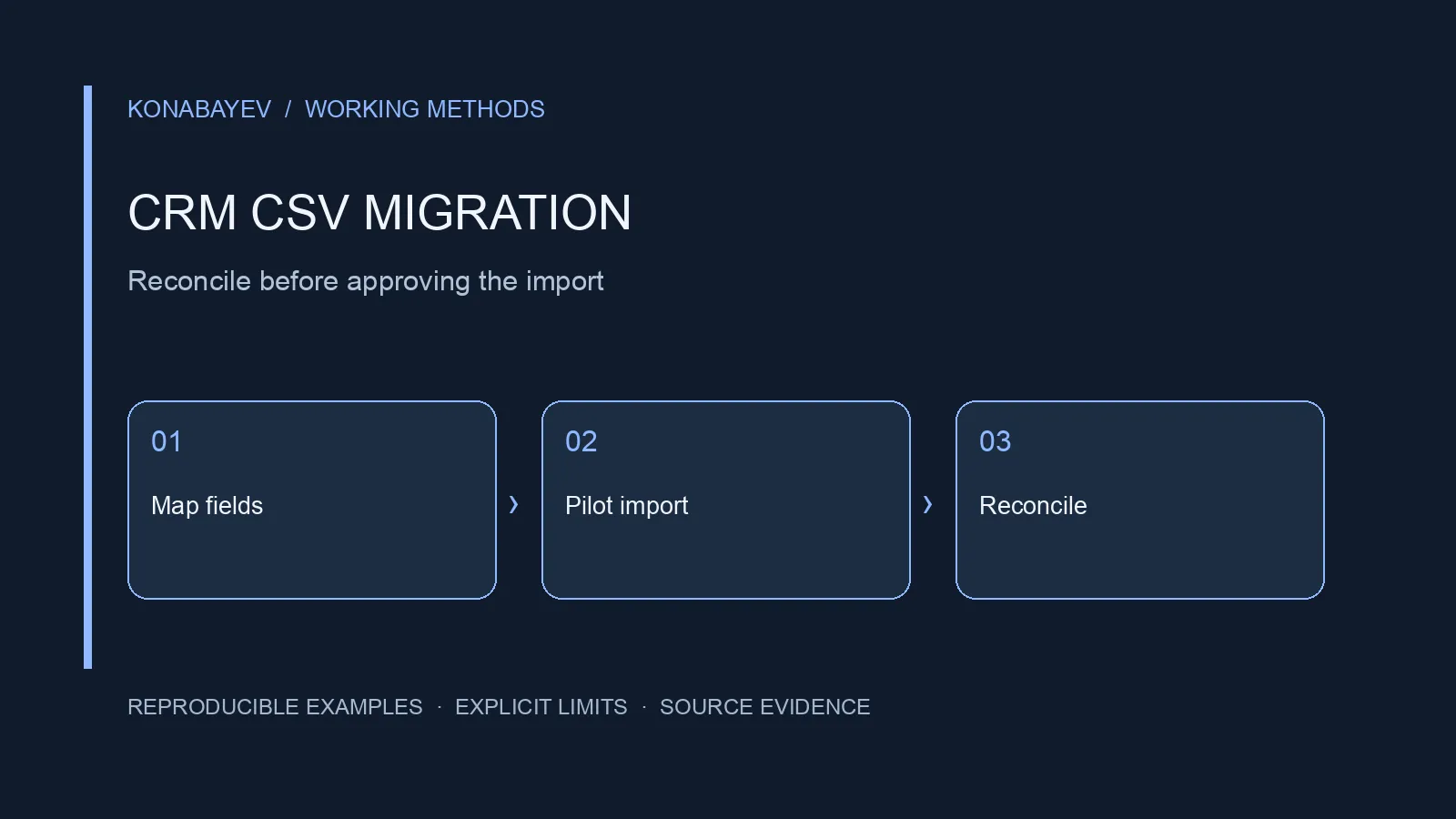
Direct Answer: Approve the Data Before the Cutover
A CRM CSV migration is ready for cutover when you can reconcile every source record to an accepted destination, an intentional merge, an exclusion or a documented exception. A successful upload is only one step. You also need correct ownership, relationships, permission states and a tested way to recover from mistakes.
This checklist is for moving structured customer, company and deal data into a CRM. It is not an email inbox migration or a comparison of subscription prices. Use the CRM first-year cost model for licensing and payment timing; use this page to define the work a migration quote must cover.
The examples below are authored, fictional acceptance exercises. They are not observations from a customer migration or tests of a named CRM. Vendor import formats, uniqueness rules, permissions, limits and recovery options must be checked for the specific destination before use.
Last checked: October 4, 2026. The HubSpot import overview and Arcs & Curves’ data mapping and acceptance checklist were read in full. The latter is a consultancy’s migration guide, not independent proof of software performance. The workflow, fictional counts and acceptance criteria below are authored. This is not a fresh verification of every CRM’s import behavior or a completed software test.
1. Write a Migration Contract Before Exporting
Start with a definition of what moves, what must remain true and who can approve exceptions. “Move the CRM” is too ambiguous to price or accept.
Create one short scope document covering:
- Objects: contacts, companies, deals, activities, files and custom objects where applicable.
- Source of truth: which system owns each field when records disagree.
- Relationships: contact-to-company, deal-to-company and any secondary associations.
- History: which timestamps, original owners and stage transitions must be retained.
- Operational state: open tasks, active workflows, sequences and pending follow-ups.
- Exclusions: records or attachments deliberately left behind and the reason.
- Completion: the acceptance tests, approvers and evidence required before cutover.
Assign a business owner to decisions such as whether an inactive opportunity remains open. An engineer can implement the approved mapping; the engineer should not quietly redefine sales stages to make the import succeed.
Specify the migration window and the latest permitted source change. If the source remains writable during export and import, the snapshot becomes stale. Either agree a bounded write freeze or design a delta process for changes after the export timestamp. A “final export” that has no recorded timestamp is not a reliable boundary.
For a paid engagement, separate preparation, trial import, exception resolution, cutover and post-cutover support. The HubSpot consulting guide explains engagement questions; this checklist supplies the acceptance work that belongs inside a statement of work.
2. Export With Stable Identity and a Protected Original
Preserve source record IDs before changing labels, cleaning names or deduplicating rows. Names and email addresses can change. A stable source ID lets you explain which record produced a destination object.
Keep an immutable original export in an approved access-controlled location. Work on a separate copy. Record the file name, export time, object type, row count, encoding and any export filters. A checksum can help detect unintended changes, but it does not prove that the export was complete.
Do not use a spreadsheet row number as the long-term identity key. Sorting, filtering and inserting rows can change its meaning. Add an explicit source_system and source_id, then retain those values in the reconciliation ledger even if the destination cannot store both as native fields.
For HubSpot specifically, its official import overview defines Record ID as a value assigned by HubSpot. It says a mapped Record ID supersedes other mapped unique identifiers. A legacy CRM ID is therefore not automatically a HubSpot Record ID: keep the legacy identity separately and build a verified destination crosswalk. Renaming the source column does not convert the identifier.
Treat the CSV as data, not trusted instructions. Spreadsheet programs may interpret some leading characters as formulas. Review exports with an appropriate text or CSV tool and follow your organization’s handling policy before opening untrusted fields in spreadsheet software. Do not silently alter the stored customer value merely to make a preview convenient.
Keep personal data out of public fixtures, screenshots, issue trackers and review packets. Use synthetic records to explain a defect. The CRM deduplication test dataset is intended for that kind of controlled exercise; its labels are test expectations, not a substitute for decisions about real customers.
3. Build a Field Map That Includes Meaning
A field map needs conversion rules and ownership, not just two column names. A text column called status might mean account eligibility in one system and sales stage in another.
| Source field | Destination intent | Proposed rule | Required check |
|---|---|---|---|
source_id | Migration reference | Preserve as text | No lost leading zeros |
email | Contact address | Trim surrounding whitespace; preserve original | Identity policy approved separately |
company_source_id | Company relationship | Resolve through company ID crosswalk | No missing parent |
deal_value | Deal amount | Parse using explicit decimal convention | Currency stored separately |
stage_code | Sales stage | Use an approved lookup table | Unknown codes quarantined |
owner_source_id | Responsible user | Resolve through owner crosswalk | Inactive users handled explicitly |
created_at | Original creation time | Preserve timezone and source value | Destination field supports intended meaning |
marketing_status | Marketing permission state | Map conservatively by channel and scope | Never derive permission from CRM membership |
These are proposed controls, not claims that every CRM accepts these field names. Use the destination’s actual schema and supported import process.
Also validate the whole file, not only the importer’s preview. HubSpot’s Mapping Guide documentation says its displayed errors are found in up to 1,000 rows and that errors may not appear in the card for a larger file. A clean preview is not evidence that later rows passed validation. Our 1,000-row worked example is simply an authored round number, not a recommendation to stop checking at that size.
Decide how blank values behave. Does a blank mean “unknown,” “clear the existing value” or “leave the destination unchanged”? Those are different operations. A bulk update with the wrong blank-value policy can erase useful information while reporting a technically successful import.
For enumerations, build a mapping table with every observed source value. Suppose qualified, sales-ready and MQL exist. Do not collapse them into one stage because their names sound similar. Document the business definition, then either map them deliberately or preserve a legacy field until the team resolves the difference.
4. Define Duplicate Decisions Before Running Them
Separate duplicate detection from the authority to merge. A matching email can flag a candidate, but it does not resolve every identity or permission conflict.
Use at least three outcomes in the proposed review process:
- Accept as distinct: evidence supports keeping separate records.
- Merge under an approved rule: the survivor and each field’s winning source are recorded.
- Quarantine for review: evidence is insufficient or contradictory.
A shared address such as sales@example.com can represent multiple people or a team. A person can also have more than one address. Company names may differ because of punctuation, subsidiaries or genuinely different legal entities. These examples show why fuzzy name similarity should not become an automatic merge instruction.
For each approved merge, retain a survivor ID, retired source IDs, reason, approver and field-level conflict decisions. The merge ledger should preserve any relevant suppression or restriction instead of selecting the most marketable status.
Try the policy against the synthetic deduplication fixture before applying it to production records. Inspect false merges separately from missed duplicates. A false merge can transfer a person’s activity or permission state to someone else; a single headline “accuracy” percentage hides that distinction.
5. Reconcile a Complete Fictional Contact Import
Every source row needs one accounted-for outcome, even when several rows become one contact. Here is a complete fictional exercise with 1,000 source contact rows. It demonstrates reconciliation arithmetic, not a measured import success rate or evidence that a real migration is ready.
The proposed review finds 40 duplicate groups containing two rows each. Each group becomes one survivor. The remaining 920 rows are singletons in this authored grouping. Of those singletons, 900 are accepted, 15 have unresolved field or identity errors and remain quarantined, and five are excluded under an approved scope decision. The quarantines and exclusions do not overlap the 80 grouped duplicate rows; an actual investigation could change a quarantined record’s classification.
| Outcome | Source rows accounted for | Destination contacts |
|---|---|---|
| Accepted singletons | 900 | 900 |
| Approved duplicate groups | 80 | 40 |
| Quarantined exceptions | 15 | 0 |
| Approved exclusions | 5 | 0 |
| Total | 1,000 | 940 |
The count reconciliation is 900 + 80 + 15 + 5 = 1,000 source rows and 900 + 40 = 940 destination contacts. The 60-record difference is explained by 40 retired duplicate rows, 15 quarantines and five exclusions. It is not evidence that 60 customers were lost.
Now check the identities behind those totals. Equal totals can conceal one omitted record and one unexpected duplicate. Join the destination export to the crosswalk and verify that every intended survivor has exactly one destination ID and every retired duplicate points to its approved survivor.
The 15 exceptions do not disappear when the project reaches a deadline. Assign each an owner and disposition. If they contain active deals or time-sensitive follow-ups, the business may reasonably block cutover even though 940 contacts imported successfully. The acceptance decision depends on material records and use cases, not only the fraction processed.
6. Preserve Companies, Deals and Ownership
Validate relationships independently from object counts. Importing all contacts and all companies does not establish that the right contacts belong to the right companies.
In a proposed sequence, create or reconcile parent records first, capture their destination IDs, and use that crosswalk when associating dependent records. The actual order and association mechanism depend on the CRM. Some destinations support multiple association types; others require a different import path. Verify this before promising the client that a CSV alone covers the whole migration.
The HubSpot overview’s association section distinguishes associations from association labels and states that adding labels requires a Professional or Enterprise subscription. It also describes multi-object import routes. Those documented capabilities are not a guarantee that your exact object, label and account configuration is covered; demonstrate the required relationship in the rehearsal.
Consider a fictional set of 200 deals. Suppose 198 have approved company mappings and two reference companies outside the export. Account for all 200 deals in the ledger, but do not invent placeholder companies to make the association count look complete. Resolve the missing parents or explicitly keep those deals out of the cutover until approved.
Check owner reassignment in the same way. A departed employee’s records might move to a named team member, a queue or a reviewed exception list. “Assign everything to the importer” is easy to execute and often wrong for follow-up responsibility and reporting.
For money fields, compare sums only within matching currency and inclusion rules. A single total across USD and EUR is not meaningful without an explicit conversion method and date. Also compare stage counts, close-date ranges and a record-level sample; a balanced total can still hide misplaced opportunities.
7. Use a Rehearsal With Observable Acceptance Tests
Rehearse the actual import configuration on a permitted test environment or controlled sample before the final run. Do not assume a sandbox exists in the chosen subscription; confirm the available safe test route.
| Test | Proposed acceptance criterion | Evidence to retain |
|---|---|---|
| Identity | Each intended survivor maps to one destination ID | Crosswalk and destination export |
| Required fields | Required mappings populated or explicitly excepted | Field-level validation output |
| Relationships | Every in-scope association resolves correctly | Association export and sampled UI records |
| Ownership | Approved owners or queues assigned | Owner map and exception list |
| Restrictions | Suppression and communication constraints retained | Channel-specific state reconciliation |
| Automation | Import does not trigger unauthorized activity | Workflow configuration and run logs |
| Repeatability | Retry behavior understood for the chosen key | Small controlled repeat test |
| Recovery | Restorable state and limits documented | Backup reference and recovery rehearsal |
These criteria are a proposed project contract, not a claim of universal zero-defect feasibility. Set any permitted exceptions before execution and name the approver. Do not lower the criterion after seeing a failure without recording the changed decision.
Test imports can trigger automation in some configurations. Review workflow enrollment, assignments, notifications and outbound sequences before executing the rehearsal. Use synthetic or authorized internal records for any controlled notification test. This checklist does not authorize sending messages to customers.
8. Plan the Delta, Cutover and Recovery
Cutover is a controlled change of operational ownership. List which system staff should edit before and after the switch and how conflicting updates will be resolved.
If you use a delta import, record the initial snapshot time and the final change boundary. Include changes to existing records, newly created records, deletions where applicable, and relationship updates. A delta that captures only new contacts can miss the sales activity most important to the team.
Before switching, reconcile the final ledger, confirm the open exception list, and have the business owner approve the remaining risks. Give users a small acceptance script: find a known account, open its contact, inspect a deal, confirm an owner, and view the agreed report. Record actual results rather than a general statement that the CRM “looks good.”
Recovery is not necessarily a delete button. A destination may have triggered notifications, altered associations or accepted manual edits after import. Define what can be restored, what requires manual repair and when reverting becomes riskier than correcting forward. Preserve the previous system or export according to the agreed retention and access policy, rather than promising immediate deletion or indefinite storage by default.
9. Turn the Checklist Into a Useful Quote
Ask providers to price deliverables and exceptions separately. The number of rows alone says little about conflicting identities, custom objects, attachment handling or business rules.
A useful brief includes object counts, required relationships, sample schemas without personal data, automation dependencies, the approved merge policy, available testing environments and the required cutover window. Ask who resolves ambiguous records and how that work is charged. Distinguish the subscription bill from migration services, internal review time and post-cutover support.
For broader integration work, the HubSpot–Salesforce mapping guide covers the separate issue of ongoing synchronization. A one-time migration does not automatically produce a reliable two-way integration.
If you need a scoped implementation, discuss a CRM data workflow. If ownership and funnel measurement are unclear before migration, start with the AI Marketing Revenue Leak Audit. Request scope and availability first; neither route promises a particular migration duration or revenue increase.
Frequently Asked Questions
Can I use email as the only migration key?
Only if the approved identity policy and destination behavior support it for the relevant object. Preserve source IDs regardless. Shared addresses, address changes and missing email values require explicit handling; a matching email is not a universal merge instruction.
Should I delete duplicates before exporting?
Preserve an original export and a merge ledger first. Otherwise you may lose the evidence needed to explain field conflicts, activity history and communication restrictions. Clean a controlled working copy under the approved rules.
Does a successful CSV upload mean the migration is complete?
No. It establishes that the importer accepted something. Reconcile identities, required fields, associations, owners, restriction states and operational workflows before approving cutover.
Can I move deals and companies in the same file?
That depends on the destination’s supported object and association import process. Verify the actual schema and test route. Do not infer support from another CRM or from a contact-only trial.
What should happen to rows that fail validation?
Keep them in an exception ledger with source identity, reason, owner and next action. Correct and retry only after reviewing the impact. Do not quietly discard failures to reconcile destination counts.
How do I know whether I need migration services?
Look at the unresolved work: identity conflicts, custom mappings, relationship preservation, automation dependencies and recovery requirements. A small but complex migration can need more specialist work than a larger clean import. Use the acceptance contract to compare proposals.
AI Marketing Automation
Custom AI workflows, dashboards, and internal marketing tools.
View service detailsGoogle Preferred Sources
See more of my research in Google
Add Konabayev.com as a preferred source to find more fresh marketing and AI research in Google Search.
Have a relevant product or documented use case? View sponsorship formats and editorial requirements.