Email Platform Migration Checklist: Preserve Suppressions
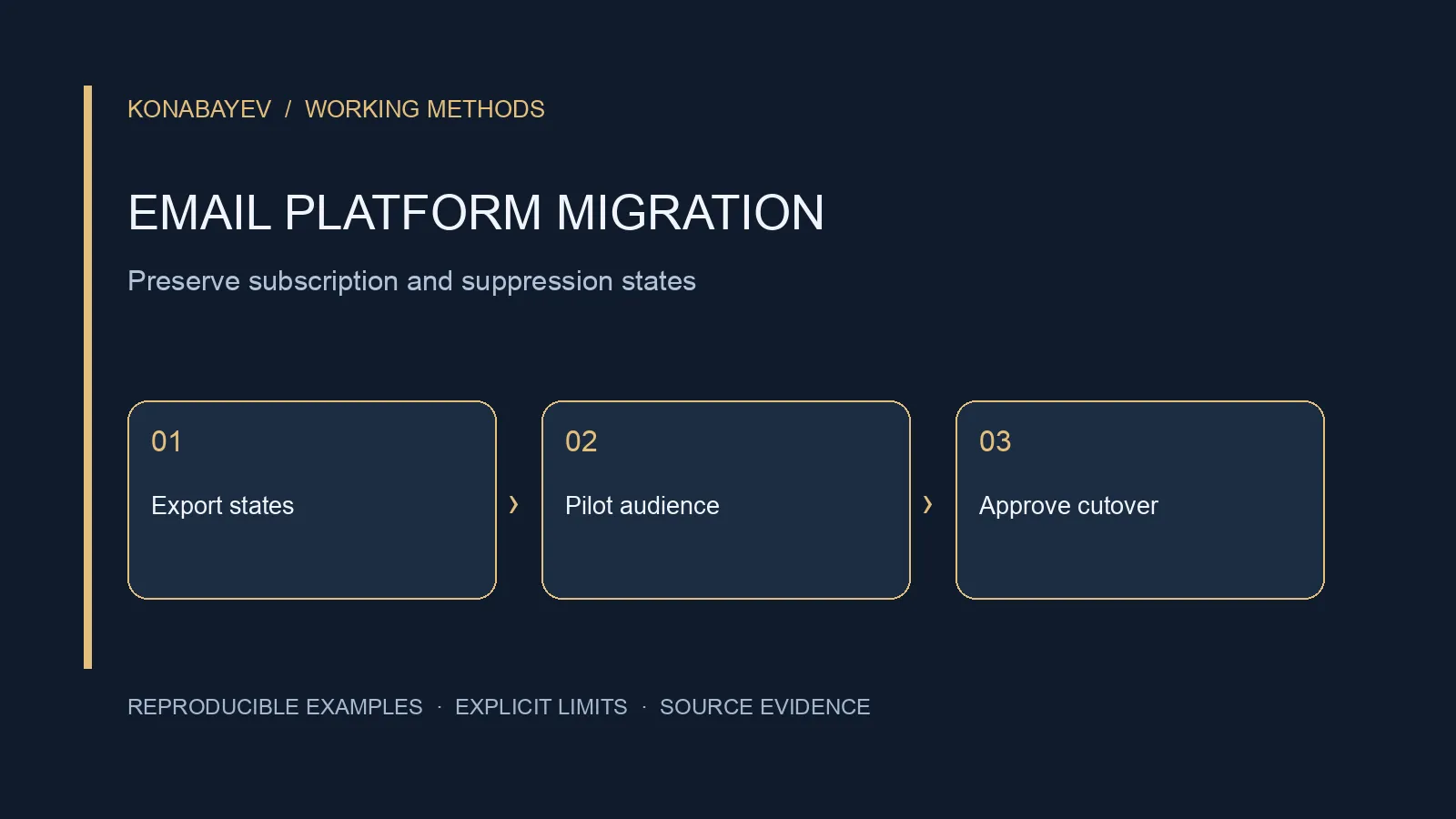
Direct Answer: Move Permission States Before Activating Sends
A marketing email migration is complete only when contact eligibility, suppression rules, forms and automations behave correctly in the destination. Copying a subscriber CSV does not prove that an unsubscribe, complaint or workflow exit survived the move.
This checklist covers a move between marketing email service providers. It does not cover employee mailboxes, IMAP folders, calendar migration or moving your company’s inbound mail hosting. Those are different projects. Do not change MX records merely because you are changing the tool that sends your newsletter.
The reusable contribution below is a small, fictional permission ledger with eight event rows, six identities and explicit expected outcomes. It is a mapping exercise, not a provider-compatible import file or evidence from a real campaign. No email was sent to produce it.
Last checked: October 4, 2026. The Mailchimp migration guide and detailed suppression-import help article were read in full. Vendor-specific statements below are limited to those sources; the portable procedure and example are authored recommendations, not a live test of an account.
1. Define What the Migration Must Preserve
Write down the business state that must survive before selecting an export format. A contact can exist in the CRM without being eligible for marketing email. A person may subscribe to one topic but not another. A valid email address does not resolve either question.
Your inventory should cover:
- Contact identifiers, address history and relevant profile fields.
- Subscription scope: channel, audience, brand or topic where applicable.
- Unsubscribes, complaints, hard bounces and manual restrictions.
- Evidence references for permission and subsequent changes.
- Forms, landing pages, integrations and signup entry points.
- Active automation enrollment, completed steps and exit conditions.
- Templates, sender identities, tracking configuration and reporting exports.
Assign a decision owner for uncertain states. An importer should not convert “unknown” to “subscribed” because a destination requires a status field. Keep uncertainty visible and outside a marketing send until it is resolved through an appropriate process.
Agree what remains in an archive and how long the team needs access to the old provider. That includes suppression history and reports needed for reconciliation. Do not assume a canceled account will retain everything you later need.
If the CRM is moving too, use the separate CRM CSV migration checklist. The email project still needs its own permission and send-state tests; successful CRM associations do not establish marketing eligibility.
2. Export Restrictions as a First-Class Dataset
Export restrictions alongside active contacts, and preserve their meaning. Do not rely on an “all contacts” export to contain every suppression category or its history.
In Mailchimp’s migration guide, importing suppression lists is a distinct step before sending. The guide also calls out recreating automations and signup forms. That is a useful reminder that the project includes operational behavior, not just contact records.
Collect the old platform’s documented exports for each relevant category. Record the export timestamp, audience, filter, count and meaning of each status. If restrictions also live in a CRM or a manually maintained list, include those sources in the reconciliation rather than assuming the email provider contains the complete history.
Keep the original files protected and unchanged. Make a working copy for normalization. Retain the original address and identity keys when transforming values so that an unexpected match can be traced. Avoid merging unrelated people solely because a name looks similar.
A master ledger is useful, but it is not a universal permission database. Different brands, channels and audience scopes may require different decisions. Preserve those dimensions instead of flattening every record into one yes/no column without documenting the consequences.
3. Use a Portable Ledger Before a Vendor Import File
Separate the human-readable migration ledger from the file you upload. The ledger records why a decision was made. The vendor import file implements that decision using a destination-specific procedure.
The following CSV is an authored, entirely fictional ledger. Reserved example.com addresses are test labels, not recipients. evidence_ref values represent imaginary source records; they do not establish permission for a real address. The expected decisions below illustrate this declared policy only: no provider import, real migration or sending behavior was tested.
event_id,contact_key,email,channel,scope,state,effective_at,evidence_ref
E01,C001,alex@example.com,email,newsletter,subscribed,2026-08-01T09:00:00Z,FORM-001
E02,C002,bea@example.com,email,newsletter,unsubscribed,2026-09-01T10:00:00Z,UNSUB-002
E03,C003,chen@example.com,email,all_marketing,complaint,2026-09-02T11:00:00Z,COMPLAINT-003
E04,C004,dara@example.com,email,all_marketing,hard_bounce,2026-09-03T12:00:00Z,BOUNCE-004
E05,C005,eli@example.com,email,newsletter,unknown,2026-09-04T13:00:00Z,IMPORT-005
E06,C006,fran@example.com,email,newsletter,subscribed,2026-08-10T09:00:00Z,FORM-006
E07,C006,fran@example.com,email,newsletter,unsubscribed,2026-09-10T09:00:00Z,UNSUB-006
E08,C001,alex@example.com,email,product_updates,unsubscribed,2026-09-12T09:00:00Z,UNSUB-001
Do not upload this illustrative header set to a production provider. First translate the approved states into its supported fields and procedures. Some restrictions may need a dedicated tool, API operation or separate audience-level process rather than an ordinary contact import.
For this exercise, assume the stated evidence references are valid and no other restrictions exist. The proposed policy blocks complaints and hard bounces across marketing email, retains unknowns for review, and honors the latest explicit unsubscribe within the same scope. This does not define a universal legal rule or an automatic procedure for resubscription.
| Identity | Expected newsletter outcome | Reason |
|---|---|---|
| C001 / Alex | Eligible under this fixture’s assumptions | Newsletter subscription retained; product updates separately blocked |
| C002 / Bea | Block | Newsletter unsubscribe |
| C003 / Chen | Block | Marketing-wide complaint restriction |
| C004 / Dara | Block | Marketing-wide hard-bounce restriction |
| C005 / Eli | Hold | Permission evidence unresolved |
| C006 / Fran | Block | Later newsletter unsubscribe overrides earlier subscription |
The eight rows describe six distinct contacts. For the fictional newsletter decision, one is eligible, four are blocked and one is on hold. Do not compare eight ledger events with six destination contacts and call the difference data loss.
Alex is the deliberately awkward case. A product-updates unsubscribe must remain effective even if newsletter eligibility is retained. If the destination cannot faithfully represent that distinction, hold the contact or apply a documented stricter restriction until the owner chooses a valid configuration. Never broaden eligibility merely to make the fields fit.
4. Resolve Mailchimp’s Suppression Import Edge Case
For Mailchimp, distinguish a new suppression import from changing an existing subscriber’s status. Its detailed suppression-import instructions say to select Unsubscribed for the imported marketing status. They also say the process cannot mark existing contacts as unsubscribed or cleaned; the page directs users to the bulk-unsubscribe tool for existing subscribed contacts.
That distinction matters when the destination is already populated. A migration might correctly import new restricted addresses while leaving an existing subscribed contact eligible. Test that existing-contact case explicitly rather than assuming the import handled it.
The detailed suppression page also says suppression is audience-specific, not global across the account. If you retain multiple audiences, the migration plan must cover each relevant audience. Creating a restriction in one audience is not evidence that the same person is excluded everywhere else.
There is a wording conflict in the official material read for this article: the broader migration guide says to import suppression contacts as “non-subscribed,” while the detailed procedure specifies “Unsubscribed.” This guide follows the detailed suppression procedure for that operation and does not treat those labels as interchangeable. Confirm the current account behavior before executing a real import, particularly for existing records.
Do not use this Mailchimp example as instructions for Brevo, Klaviyo, Unisender or another provider. The portable requirement is to preserve the restriction; the supported mechanism and billing treatment must be verified for the destination.
5. Reconcile Counts and Actual Eligibility
A count check is necessary, but a decision check is stronger. Two systems can show the same number of contacts while disagreeing about who may receive a particular campaign.
For each audience and channel, record source rows, unique identities, approved duplicates, imported records, excluded records and unresolved failures. Keep those quantities separate. A file can contain several events per person, and a destination can contain more than one audience membership per person.
Then evaluate the intended recipient set without sending. In the synthetic example, the newsletter eligibility preview should include only C001 under the exercise’s assumptions. The product-updates preview must not include C001. C006 must remain excluded even though an earlier subscription event exists.
Record expected and actual outcomes side by side:
| Test case | Required result before release | Failure response |
|---|---|---|
| Newly imported unsubscribe | Excluded from relevant marketing audience | Stop activation; repair mapping |
| Already-existing subscriber with later unsubscribe | Restricted using supported update procedure | Do not rely on a new-contact import |
| Topic-specific opt-out | That topic remains blocked | Hold or use approved stricter policy |
| Complaint or hard bounce | Restriction retained in intended scope | Review source category and destination controls |
| Unknown permission | Not silently made eligible | Keep in exception queue |
| Repeat import | Does not undo restrictions | Investigate merge/update behavior |
Use synthetic or authorized internal records for any test that actually sends a message. Recipient previews, export comparisons and configuration inspection can establish much of the migration logic without contacting customers. This article does not authorize a test campaign to suppressed people.
6. Rebuild Forms and Automations Without Restarting Everyone
Treat automation position as data. Moving a contact into a new tool should not automatically restart a welcome sequence or resend a completed offer.
Inventory each flow’s entry event, eligibility filter, delay, branch, exit condition and owner. Decide how contacts already partway through a sequence will be handled. Options can include completing the old flow, transferring a documented stage, or pausing for review; availability depends on the platforms and implementation.
For a fictional three-message welcome sequence, suppose a contact has already received messages one and two. Importing that person into the destination’s entry list could cause a duplicate welcome if enrollment is enabled. The acceptance test should show that the contact either resumes at the approved point or remains out of the replacement sequence until a deliberate decision.
Check forms as independent entry points. Confirm where each form writes, which fields it captures, which subscription scope it represents, and how restrictions affect enrollment. A correctly imported audience can still be undermined by an old form posting to the wrong account.
Use the drip campaign planning guide for sequence design. During migration, the narrower task is to preserve approved state and prevent accidental duplicate activity, not redesign every campaign at once.
7. Verify Sender Setup and Separate It From Mailbox Hosting
Follow the new provider’s current domain-authentication instructions, while preserving unrelated mail services. Authentication records, sender identity, tracking domains and inbound mailbox routing are different configuration concerns.
List the DNS changes actually required by the chosen provider and have the domain owner review them. Check for existing records and other senders before changing anything. Do not add conflicting records or replace working inbound routes based on a generic checklist.
Inspect a permitted test message for the configured sender, reply address, unsubscribe behavior, links and relevant authentication results. A rendered template preview cannot establish what a delivered message contains. Conversely, a successful internal delivery does not prove inbox placement across the customer population.
Review templates for old provider merge tags and destination-specific unsubscribe links. A link that looks correct in the editor may still reference the previous audience or a placeholder. Include the actual recipient-facing preference behavior in the controlled acceptance test.
Keep any changes to sending volume outside the mechanical import decision. The Mailchimp guide recommends a gradual start, but this article does not prescribe a universal warm-up schedule or guarantee deliverability. Decide the actual launch plan from the account, sender history, audience evidence and current provider requirements.
8. Cut Over With a Restriction Delta and a Stop Rule
Capture permission changes between the original export and the final switch. A person can unsubscribe while the migration is underway. Their later restriction must not be overwritten by an older subscribed snapshot.
Record the initial export time, the final source boundary and the process for applying intervening changes. Include complaints, bounces, topic changes and manual suppressions where relevant. If the two systems remain active, name which one owns new signup and restriction events and how the other receives the updates.
Set explicit stop conditions: an unresolved suppression mismatch, a broken unsubscribe path, unapproved automation enrollment or unexplained count differences should prevent activation of the affected audience. A deadline is not a reason to convert uncertainty into permission.
Keep a rollback plan for configuration and data, but recognize that sent messages cannot be unsent. Preventing unauthorized sends during cutover is therefore a separate acceptance condition, not something a database restore can fix later.
After launch, reconcile comparable metrics using consistent event definitions and date windows. Opens, clicks, attributed revenue and received payments are different measures. The email benchmark guide explains denominator limits; a platform move should not be declared successful merely because the new dashboard displays a larger number.
9. Price the Migration Work Separately From the Subscription
Request a quote for the work your account actually requires. Include the number of audiences, permission categories, active flows, forms, integrations, templates and unresolved mapping decisions. Ask whether the provider or implementer will handle existing subscribed records that need restriction updates.
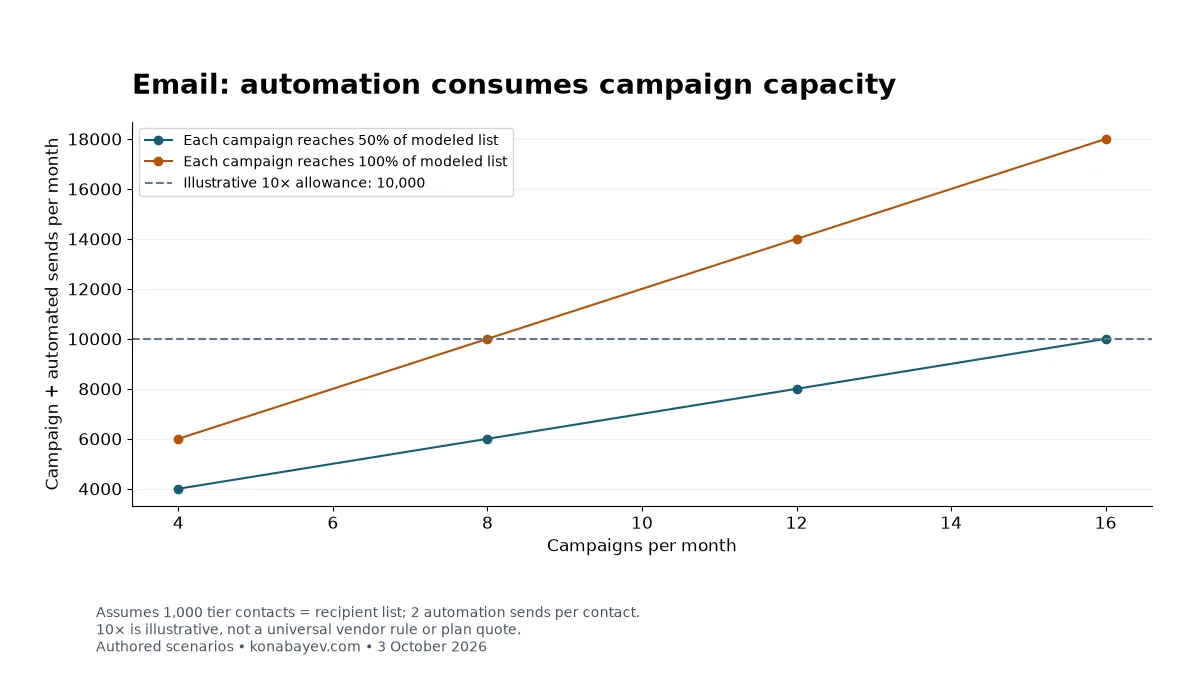
Use the email send-capacity model to examine planned send volume, and the CRM first-year worksheet if licenses and payment timing are also part of the project. Neither model determines whether an individual contact is eligible to receive marketing.
For implementation help, discuss a marketing workflow migration. Start with the revenue leak audit if your contact states, CRM handoff and measurement definitions are unclear. A useful engagement ends with an evidence-backed handoff, not just an uploaded CSV. Availability and scope should be confirmed before committing to the move.
Frequently Asked Questions
Is this checklist for moving Microsoft 365 or Google Workspace mailboxes?
No. It covers marketing email contacts, restrictions, forms and automation state. Employee inboxes, calendars, files and inbound mail routing need a separate migration plan.
Can I mark every imported contact as subscribed?
No. Importing a record does not create permission. Preserve the original scope and restrictions, and keep unknown or conflicting cases outside the send audience until an authorized process resolves them.
Are non-subscribed and unsubscribed the same thing?
Do not assume that. Use the destination’s defined states and supported operations. Mailchimp’s detailed suppression help specifies Unsubscribed for its import procedure and separately addresses existing subscribed contacts.
Will importing a suppression file update existing Mailchimp subscribers?
The detailed help article read October 4, 2026 says that its suppression-import process cannot mark existing contacts as unsubscribed or cleaned. It directs users to bulk unsubscribe for existing subscribers. Verify that case before sending.
Should the number of ledger rows equal the contact count?
Not necessarily. The example has eight events for six people. Reconcile events, identities and audience memberships separately, then verify the actual eligibility decisions for the intended campaign.
Can I prove the migration worked without sending to the entire audience?
Yes, substantial checks can use exports, recipient previews, configuration review and synthetic or authorized internal test records. These establish mapping and workflow behavior; they do not guarantee future inbox placement or revenue.
AI Marketing Automation
Custom AI workflows, dashboards, and internal marketing tools.
View service detailsGoogle Preferred Sources
See more of my research in Google
Add Konabayev.com as a preferred source to find more fresh marketing and AI research in Google Search.
Have a relevant product or documented use case? View sponsorship formats and editorial requirements.