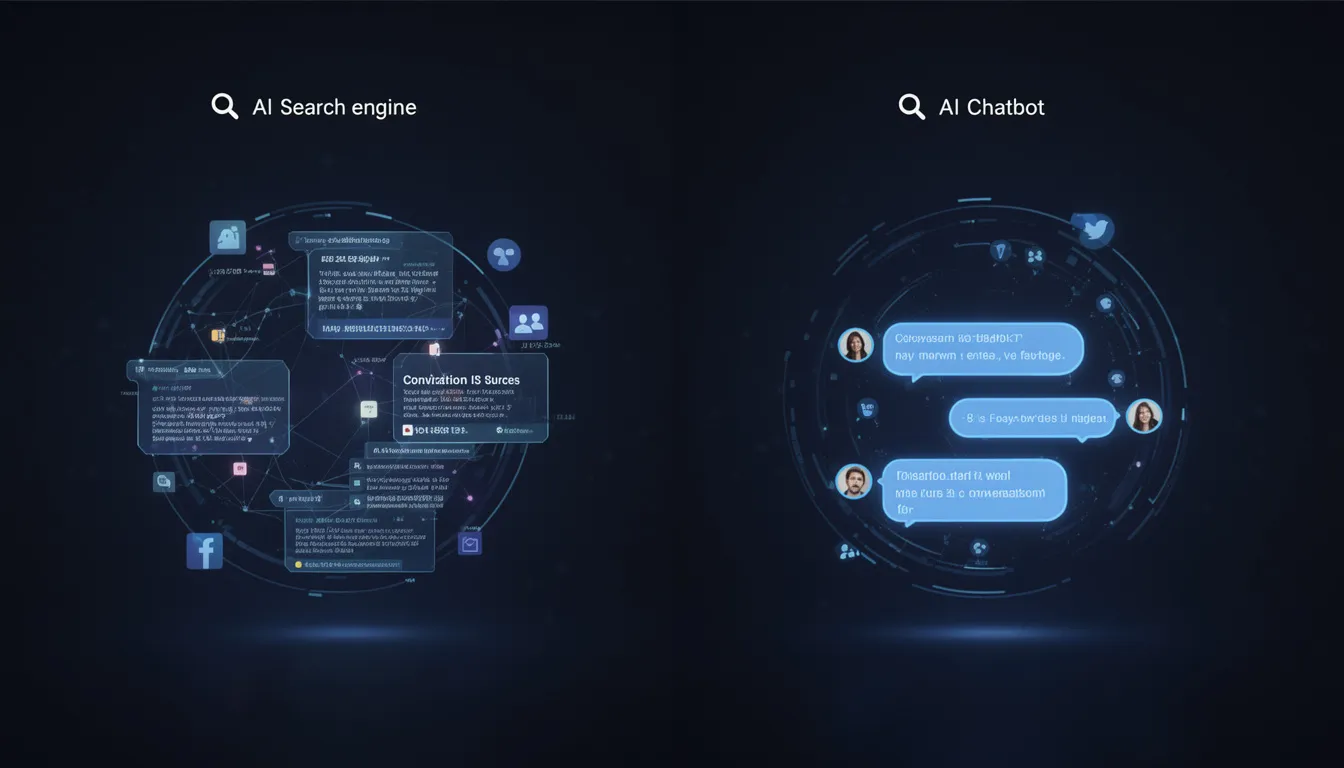
Best AI Assistants in 2026: Top 5 Compared

Direct Answer: The Best AI Assistant by Job
Use this as an editorial starting shortlist: ChatGPT for mixed daily work, Claude for writing and document tasks, Gemini for Google workflows, Microsoft Copilot for Microsoft 365, and Perplexity for a cited research starting point. These are candidates to test, not a measured ranking of quality or speed. Confirm current plan access and compare the same tasks before choosing a subscription.
| Primary job | Best starting choice | Why |
|---|---|---|
| One assistant for mixed daily work | ChatGPT | Broad tool surface across writing, analysis, coding, files, and creation |
| Long documents and careful prose | Claude | Strong document workflow and controlled writing style |
| Gmail, Docs, Drive, and Google workflows | Gemini | Tight fit with Google’s product ecosystem |
| Word, Excel, PowerPoint, Teams, and Outlook | Microsoft Copilot | Designed around Microsoft 365 work |
| Current research with visible sources | Perplexity | Search-first answers with citations and multi-model access on eligible plans |
Need an AI stack that produces measurable marketing work? Get an AI marketing audit of duplicated tools, weak handoffs, and automation opportunities →
What Changed Since the Original Comparison
This page originally compared GPT-4o, Claude 3.5, and Gemini 1.5-era products. That lineup is no longer a useful 2026 buying guide.
As of August 21, 2026:
- OpenAI has launched the GPT-5.6 family with Sol, Terra, and Luna.
- Anthropic says Claude Sonnet 5 is the default model for Free and Pro and is available across its paid workplace tiers.
- Google introduced Gemini 3.7 Flash in August 2026 for coding and agent workflows, including Gemini Spark for eligible Google AI subscribers.
- Microsoft positions Microsoft 365 Copilot as an AI assistant for work across its apps, with plan and tenant configuration determining the available workflow.
- Perplexity’s official model list includes current models from Perplexity, OpenAI, Google, Anthropic, xAI, Moonshot AI, Z.ai, and NVIDIA, with access varying by plan and mode.
The practical consequence is simple: do not choose an assistant from a static model-name table. Providers change defaults, limits, and model selectors faster than most comparison articles are updated. Choose by workflow, then confirm the current plan screen before paying.
How This Comparison Was Evaluated
The five assistants are compared on work a professional actually repeats: drafting and editing, current research, document handling, structured analysis, coding support, office-suite integration, source transparency, and switching cost.
This is not a measured benchmark leaderboard. The product and model references below describe the August 21, 2026 source check; they do not establish October defaults. The workflow sections are editorial candidates for your own evaluation, not completed comparative test results. Dynamic message caps and undocumented throttling are excluded because they vary by plan, region, rollout and workload.
1. ChatGPT: Best General-Purpose Assistant
Choose ChatGPT when you want one flexible workspace rather than a specialist. It is the easiest recommendation for someone who moves between writing, structured analysis, code, files, ideation, and creative production during the same week.
Where ChatGPT is strongest
- turning rough context into structured drafts, tables, plans, and reusable formats;
- mixed creative and analytical work in one conversation;
- coding explanations, debugging, and data-oriented tasks;
- broad ecosystem and familiarity across teams;
- fewer handoffs when one person does many kinds of work.
Where it is weaker
- a fluent answer can still sound verified when it is not;
- current-information work requires explicit source checking;
- the broad interface can encourage using one tool for tasks where a specialist is faster;
- model and feature availability can differ by plan.
Best fit: founders, marketers, analysts, operators, and generalists who want one primary assistant.
2. Claude: Best for Long Documents and Controlled Writing
Choose Claude when the work is mostly reading, reasoning over supplied material, and producing prose that needs restraint. Anthropic’s current Sonnet 5 positioning emphasizes professional work, tool use, coding, and agentic execution rather than a narrow writing-only role.
Where Claude is strongest
- synthesizing long briefs, transcripts, policies, and document sets;
- maintaining a consistent voice across a substantial draft;
- careful rewriting, critique, and editorial iteration;
- sustained technical work where following project conventions matters;
- producing a clear first pass without excessive formatting.
Where it is weaker
- it is not a substitute for opening and checking primary sources;
- some workflows still require separate image, search, or office-suite tools;
- exact limits and available models depend on the current plan.
Best fit: writers, editors, researchers, consultants, and teams with document-heavy work.
3. Gemini: Best for Google-Centered Workflows
Choose Gemini when your work already lives in Google’s ecosystem. Its advantage is not merely a model score; it is the reduced friction between an assistant and the places where many teams already store mail, documents, files, and collaborative work. Google’s Gemini 3.7 Flash release is the current official model reference for this comparison.
Where Gemini is strongest
- workflows centered on Gmail, Docs, Drive, Sheets, and other Google products;
- multimodal tasks involving documents and visual inputs;
- current-information discovery when paired with explicit source review;
- Google-native agent workflows such as Spark on eligible plans;
- teams that want fewer exports between an assistant and their office suite.
Where it is weaker
- Google’s model names and product availability change quickly;
- the best developer model is not automatically the default in every consumer surface;
- a strong ecosystem fit does not guarantee the best prose for every writing task.
Best fit: Google Workspace teams, research-heavy operators, and users who value ecosystem integration over a standalone assistant.
4. Microsoft Copilot: Best for Microsoft 365
Choose Microsoft Copilot when the value comes from working inside Word, Excel, PowerPoint, Outlook, and Teams. It is less compelling as a separate chat subscription than as a layer over an existing Microsoft workflow.
Where Copilot is strongest
- drafting and summarizing where the source work already sits in Microsoft 365;
- spreadsheet, presentation, email, and meeting workflows;
- enterprise environments with established Microsoft identity and administration;
- reducing copy-and-paste between a standalone assistant and office files.
Where it is weaker
- the product can feel redundant if your team does not live in Microsoft 365;
- licensing and organizational configuration matter as much as model quality;
- a standalone comparison misses much of the value because the integration is the product.
Best fit: Microsoft-first companies and roles that spend most of the day in Office and Teams.
5. Perplexity: Best for Cited Web Research
Choose Perplexity when the first deliverable is a map of current sources. It searches the web, presents citations inline, and lets eligible paid users choose among multiple model providers.
Where Perplexity is strongest
- fast source discovery for a current topic;
- cited summaries that make the next verification step visible;
- comparing how different eligible models handle the same research question;
- research workflows where finding the source is more important than polishing the final prose;
- moving from a broad question to a shortlist of primary pages.
Where it is weaker
- a citation does not prove that the linked page supports the exact sentence;
- third-party models behave differently inside Perplexity’s search and tool layer;
- plan, mode, region, and rollout can change which models appear;
- polished long-form writing and complex project memory are not its clearest advantages.
Best fit: analysts, journalists, marketers, and researchers who will open and validate every important source.
Free Plan vs Paid Plan: A Better Decision Rule
Do not decide from a message-limit table. Limits change too often, and real capacity depends on prompt size, uploaded files, current demand, and model selection.
- Stay free while the assistant is occasional and interruptions do not affect paid work.
- Upgrade one assistant when limits interrupt a repeatable workflow at least weekly.
- Add a second specialist only when it removes a clear bottleneck, such as source discovery, long-document editing, or office-suite integration.
- Avoid three overlapping general assistants unless the team has a documented evaluation or routing workflow.
For most individuals, one general assistant plus one specialist is enough:
- ChatGPT + Perplexity for creation and research;
- Claude + Perplexity for writing and sourced discovery;
- Gemini alone for a strongly Google-centered workflow;
- Microsoft Copilot plus a general assistant for Microsoft-heavy teams that also need broader creative work.
Which Assistant Should a Marketing Team Choose?
Start from the bottleneck, not the brand.
| Marketing bottleneck | First assistant to test | Verification step |
|---|---|---|
| Content briefs and draft production | ChatGPT or Claude | Editor checks claims, voice, and originality |
| Competitive and market research | Perplexity | Open every material citation and prefer primary sources |
| Google Workspace execution | Gemini | Confirm the exact app and plan integration |
| Microsoft 365 execution | Copilot | Confirm tenant permissions and licensing |
| SEO and content optimization | General assistant + specialist SEO data | Validate in Search Console, GA4, and the actual SERP |
An assistant is not the measurement layer. For content and acquisition work, evaluate results in the systems that observe real users: Google Search Console for query visibility, GA4 for acquisition and sessions, and product analytics for engagement and conversion. The best AI apps guide covers specialist categories; the ChatGPT alternatives guide expands the shortlist beyond these five.
A 30-Minute Selection Test
Run the same three tasks in the two assistants you are considering:
- Give each one a real document and ask for a decision-ready summary with uncertainties separated from facts.
- Ask for a current research brief and verify whether the cited pages support the five most important claims.
- Give each one a task from your actual office workflow, not a generic prompt.
Score each output on correctness, edit time, source quality, workflow friction, and whether the result can be reused. The winner is the assistant that reduces total work after verification, not the one that produces the longest answer.
A Practical Scoring Rubric for the Test
Apply hard acceptance criteria before weighting scores. Reject a result with an unresolved material factual error, prohibited data use or failure of a required task constraint; a high style score must not offset that failure. Score only the remaining acceptable results using the illustrative weights below. These weights are an editorial framework, not an independent benchmark result.
| Evaluation dimension | Suggested weight | What to record |
|---|---|---|
| Factual correctness | 35% | Material errors, unsupported claims, and missed constraints |
| Source quality | 25% | Primary-source coverage and whether each citation supports the sentence |
| Editing time | 20% | Minutes required to reach a publishable or decision-ready result |
| Workflow fit | 15% | File handling, integrations, handoffs, and repeatability |
| Output style | 5% | Clarity, restraint, and how closely the result follows your voice |
Save the prompt, source material, first output, corrected output, and elapsed time. Run the test again on a second real task before committing a team to a tool. This prevents one unusually good or bad response from deciding the purchase. For prose-heavy evaluation, use the editing criteria in the best AI for writing guide. For deployment, governance, and adoption questions, pair the tool test with the operating model in the AI for business guide.
The final score is only a comparison aid. A tool with a slightly lower total can still be the right choice if it wins decisively on a hard requirement such as Microsoft 365 access, Google Workspace integration, source visibility, or document handling. Record those requirements before testing so the team does not change the rules after seeing a preferred brand’s result.
Frequently Asked Questions
What is the best AI assistant overall in 2026?
There is no measured universal winner in this guide. Use ChatGPT, Claude, Gemini, Microsoft Copilot and Perplexity as candidates for the workflows described above, then compare accepted results on your own tasks and current plan access.
Is Claude better than ChatGPT?
Claude is often the better fit for careful prose and sustained document work. ChatGPT is usually the broader one-tool choice. Test both on the same real task and measure edit time rather than relying on a generic quality score.
Is Gemini better for research?
Gemini can be useful for current and Google-centered research workflows. Google’s current Gemini release note documents the model baseline used here. Perplexity makes citations more central to the interface. Neither removes the need to open primary sources and check the exact claim.
Does Perplexity replace ChatGPT?
Not for most people. Perplexity is a research-first product; ChatGPT is a broader creation and analysis workspace. They are complementary when research and writing are both recurring jobs.
Should a business pay for multiple AI assistants?
Only when each tool owns a distinct workflow. If two subscriptions serve the same drafting use case, consolidate. Keep multiple tools when the division is explicit, measurable, and worth the switching cost.
How often should an AI assistant comparison be repeated?
Repeat a short workflow test when a provider changes its default model, your team adopts a new core workflow, or the current tool creates a measurable bottleneck. A quarterly check is usually enough for stable work; verify plan availability immediately before any purchase.
Bottom Line
Pick ChatGPT for breadth, Claude for documents and writing control, Gemini for Google workflows, Copilot for Microsoft 365, and Perplexity for cited discovery. Then verify current plan availability on the provider’s own page and judge the tool by reduced edit time, fewer handoffs, and better business outcomes.
Last verified: August 21, 2026. Current product and model evidence was checked against official OpenAI, Anthropic, Google, Microsoft, and Perplexity sources. Dynamic plan limits and regional rollouts are intentionally not presented as fixed facts.
AI Marketing Automation
Custom AI workflows, dashboards, and internal marketing tools.
View service detailsGoogle Preferred Sources
See more of my research in Google
Add Konabayev.com as a preferred source to find more fresh marketing and AI research in Google Search.
Have a relevant product or documented use case? View sponsorship formats and editorial requirements.