
Export portable AI chat files
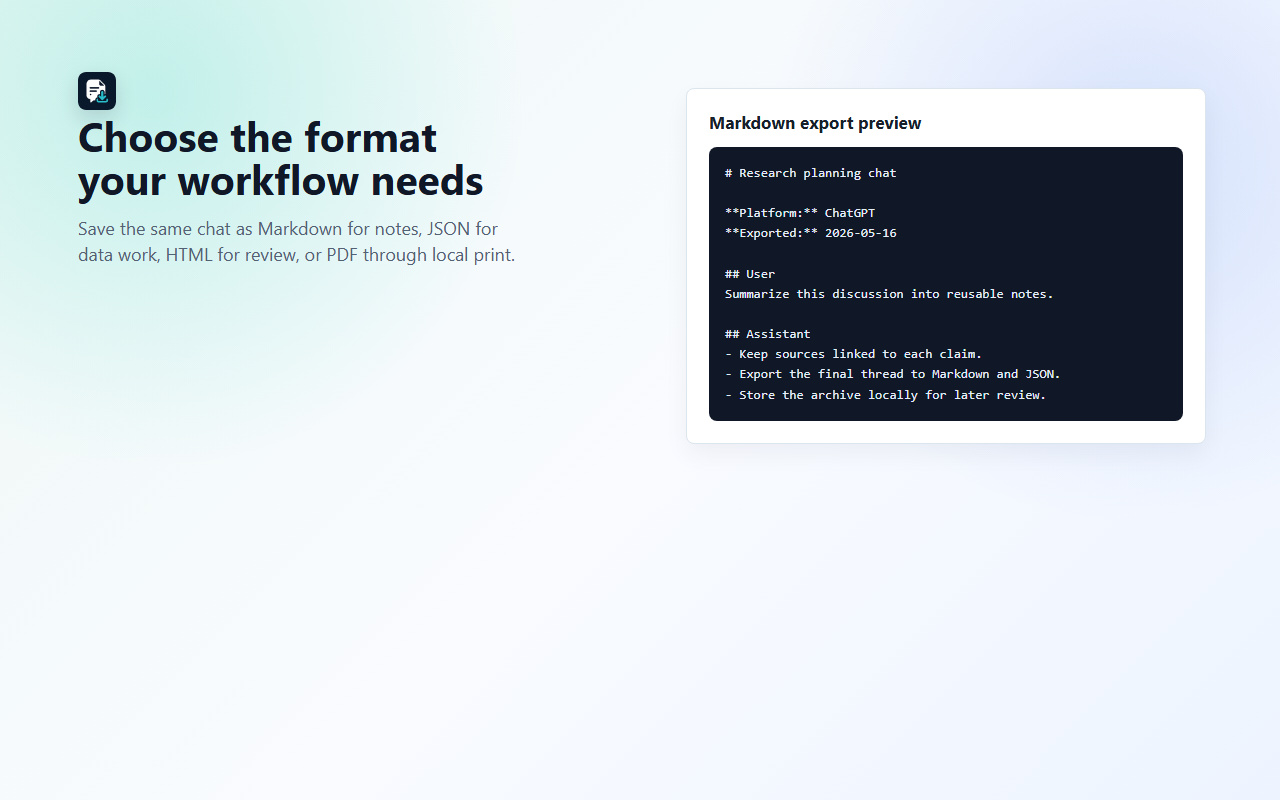
Save the active supported conversation as Markdown, structured JSON, readable HTML or a browser-print PDF.

Chrome Extension - Local AI Chat Exporter
ChatPull is a Chrome MV3 extension that exports the active supported AI chat to Markdown, JSON, HTML or browser-print PDF. It supports 10 smoke-verified platforms in v1.0.0. Chat content is processed locally in the browser and is not uploaded to a ChatPull server.
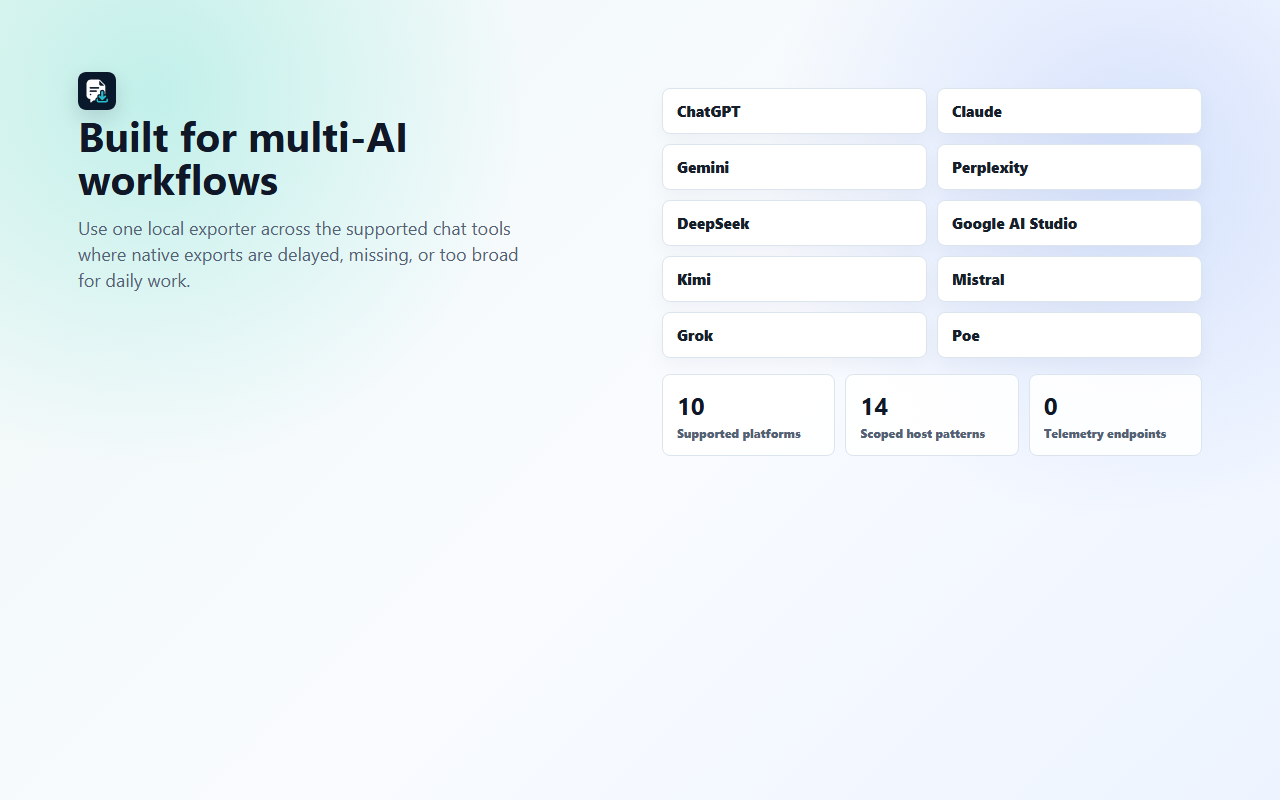
Built by Mirana Apps for people who need portable research, coding, client-work and project conversations from ChatGPT, Claude, Gemini, Perplexity, DeepSeek, Google AI Studio, Kimi, Mistral, Grok and Poe.
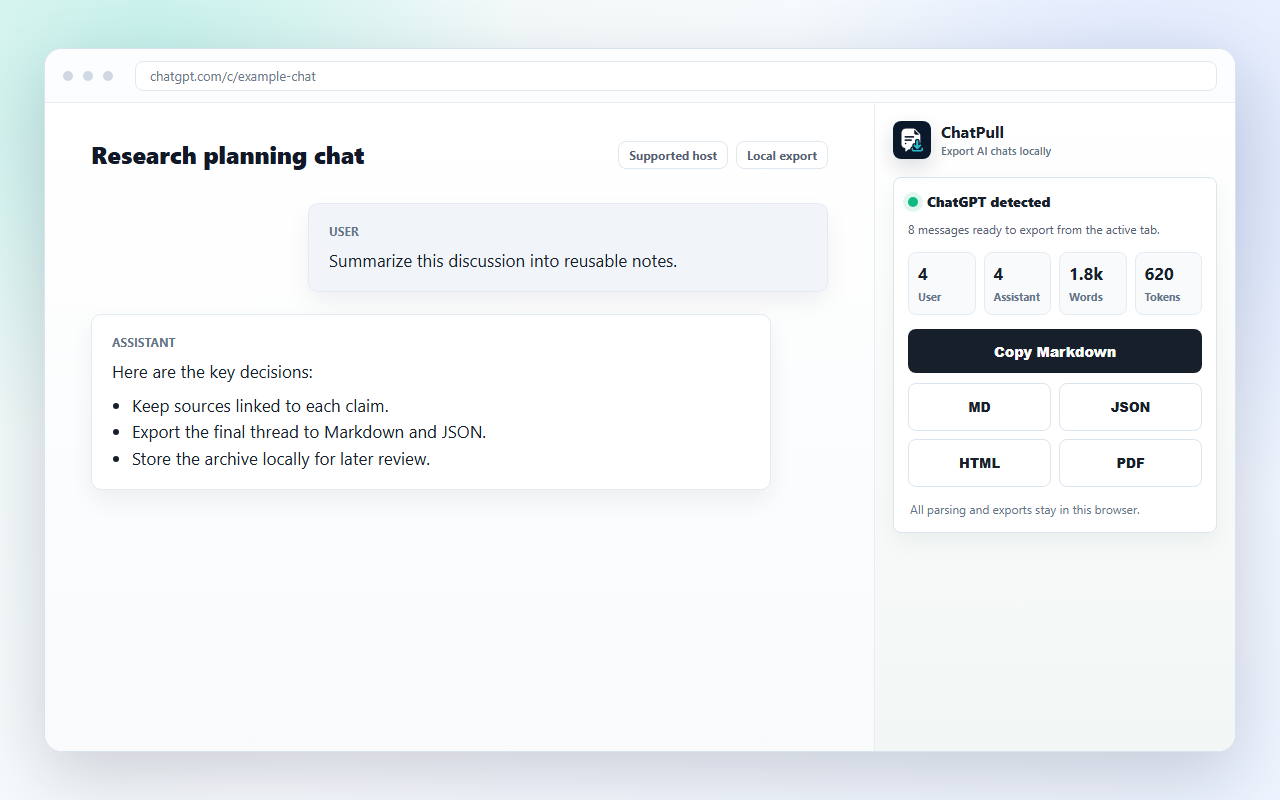
Save the active supported conversation as Markdown, structured JSON, readable HTML or a browser-print PDF.
The v1.0.0 release surface covers ChatGPT, Claude, Gemini, Perplexity, DeepSeek, Google AI Studio, Kimi, Mistral, Grok and Poe.
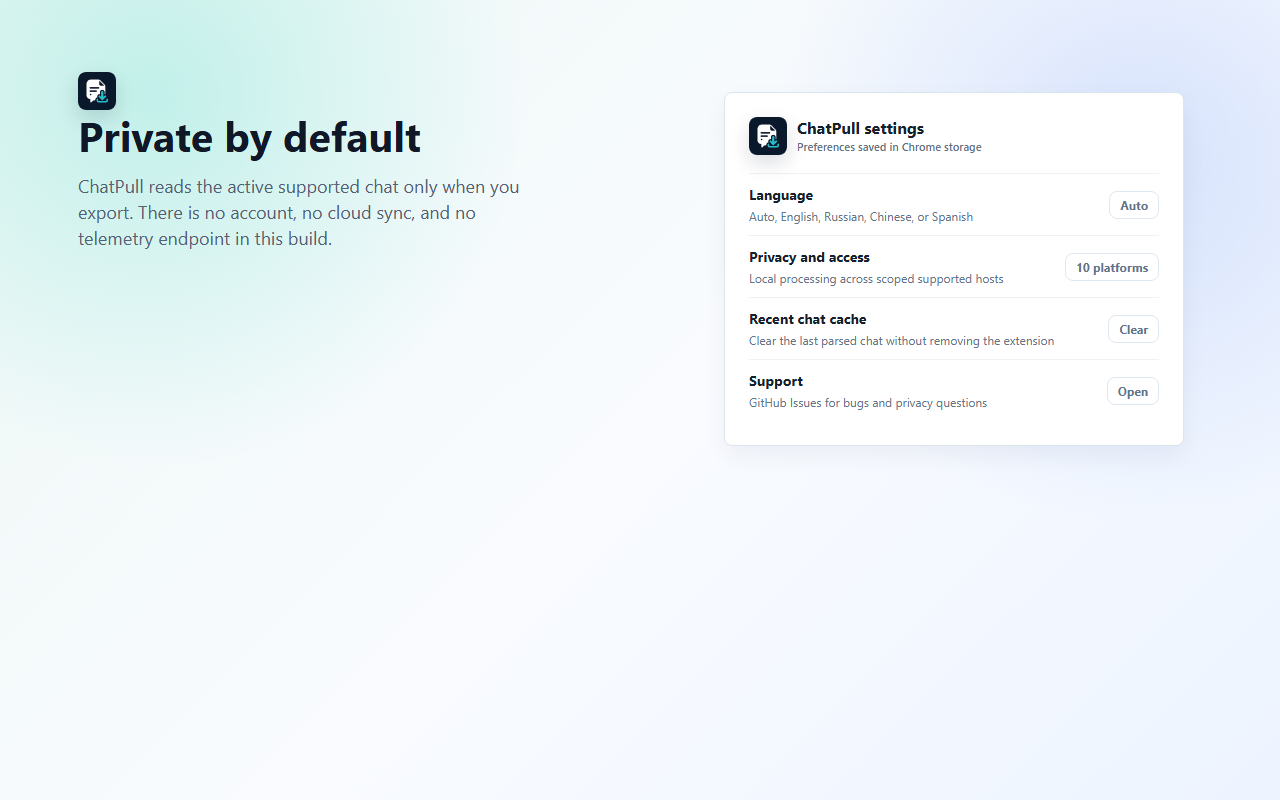
Parsing and export run in the browser. ChatPull does not require an account, cloud sync, telemetry endpoint or remote code in this build.
Host permissions are limited to active supported AI chat domains. Microsoft Copilot, HuggingChat and GitHub Copilot are not active claims in this release.
Copy clean Markdown to the clipboard for Obsidian, Notion, GitHub issues, documentation and research notes.
The side panel shows the platform, source title, message counts, role counts, word count and token estimate before saving.
HuggingChat and GitHub Copilot remain deferred parser prototypes, and Microsoft Copilot is not supported in the v1.0.0 Chrome Web Store release surface.
Export AI-assisted research chats as Markdown or JSON so claims, prompts and model responses can be reviewed later.
Keep local records of strategy, copy, SEO and analysis conversations without relying on a chat platform search UI.
Move coding assistant conversations into GitHub issues, pull-request notes, internal docs or a knowledge base.
Save clean Markdown for Obsidian, Notion, Logseq or any folder-based archive where plain files matter.
| Feature | ChatPull | ChatGPT exporters | ShareGPT-style tools |
|---|---|---|---|
| Primary scope | 10 AI chat platforms | ChatGPT-focused | Chat sharing workflow |
| Export formats | Markdown, JSON, HTML, PDF | Varies by exporter | Shareable web page |
| Local-first processing | Yes, browser-local export | Depends on extension | No, sharing requires a hosted page |
| Chrome Web Store status | Submitted for review as v1.0.0 | Existing store category | Existing sharing product |
Comparison categories were checked against the public Chrome Web Store category for ChatGPT exporters and the ShareGPT-style sharing workflow. Store listings and product names change, so the table avoids user-count or rating claims until ChatPull is public.
ChatPull reads visible chat DOM only on supported pages when the user opens the side panel or triggers an export. The extension package uses Manifest V3 and keeps executable code inside the extension bundle.
The implementation follows Chrome extension concepts forcontent scriptsand theChrome Web Store Program Policies.
ChatPull is a Chrome MV3 extension that exports supported AI chat conversations into local Markdown, JSON, HTML or browser-print PDF files.
Yes. ChatPull supports chatgpt.com and the legacy chat.openai.com host in v1.0.0.
The current release supports ChatGPT, Claude, Gemini, Perplexity, DeepSeek, Google AI Studio, Kimi, Mistral, Grok and Poe.
Yes. ChatPull can copy clean Markdown to the clipboard or save a Markdown file from the active supported chat page.
No. ChatPull processes chat content locally in the browser and does not upload chat content to ChatPull servers or third-party analytics in this build.
ChatPull is prepared for Chrome Web Store submission. The Chrome Web Store link will be added after the listing is approved and public.
The current Chrome Web Store release is prepared as a free listing. Paid features should only be added after export reliability and repeated usage are proven.
Yes. ChatPull uses the browser print dialog for local PDF export rather than uploading the chat to a PDF service.
ChatPull is Chrome-first today. Firefox support is not public yet, so Firefox users should wait for a separate Add-ons listing or use another local exporter.
ChatPull is broader than single-host ChatGPT exporters because it covers 10 active AI chat platforms and keeps processing local to the browser.
Last updated: May 17, 2026. ChatPull is published by Mirana Apps on konabayev.com.
More free browser extensions